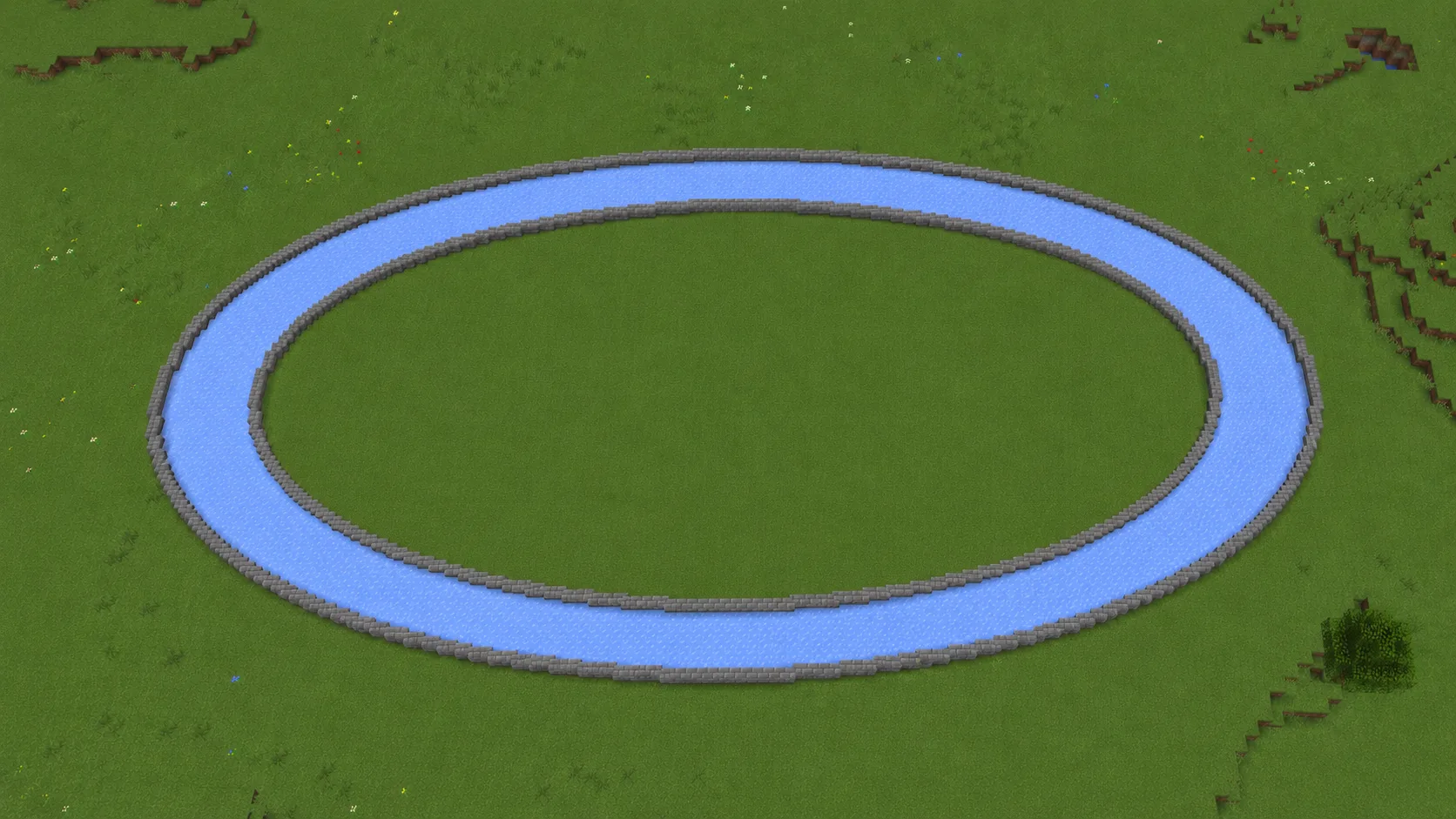
Racetrack
41×21 leaves room for a real lane instead of a tight loop. Packed ice for boat races, smooth stone for horses.
An oval is four mirrored quarters, same as a circle — but because its two axes differ, you mirror the quarter instead of rotating it. Get that one difference right and the rest is a copy job:
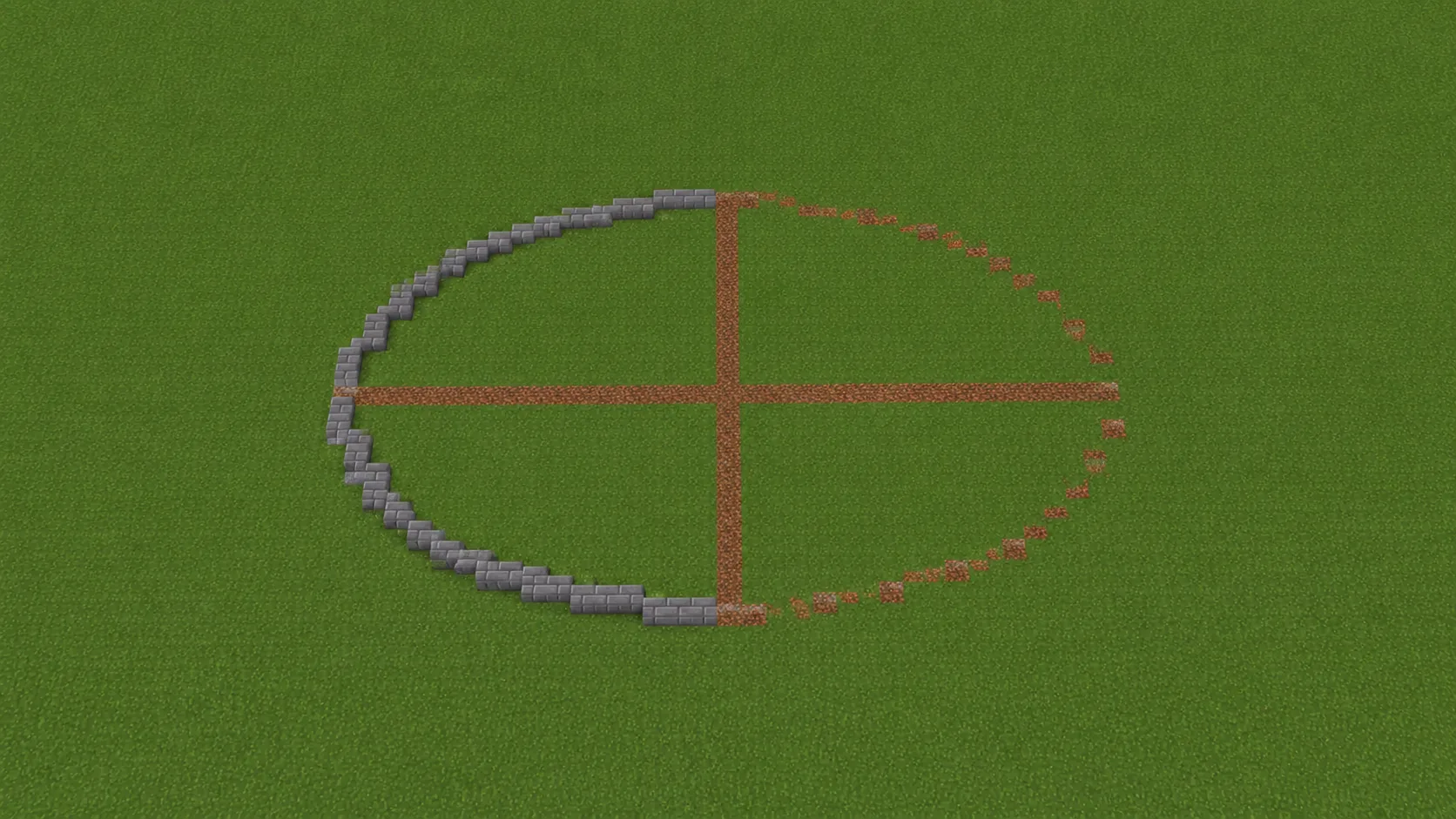
Both axes down, half the curve built — the rest is mirrored
Two numbers, not one. Their ratio is the whole shape — see the table below for what each ratio is good for.
Run a throwaway line the full width, and another the full height, crossing at the centre. Everything is measured off these two.
The far points of each axis pin the outline. On an oval these sit at different distances from centre — that's the point.
Copy the blueprint between two end blocks. The runs are longer on the flat side and tighten fast around the ends.
This is where ovals go wrong. Flip the quarter across the axis; rotating it 90° works on a circle but skews an ellipse.
The Materials panel prices the whole outline. If your placed count differs, one quarter drifted — catch it before you pave.
Want the same walkthrough with screenshots and worked examples? Follow the step-by-step oval guide.
The Minecraft oval generator settles the geometry. These six habits cover the part it can't do for you — the placing.
The single most common oval mistake. A quarter rotated 90° fits a circle but skews an ellipse, because the two axes aren't equal.
Mixing them puts the centre on a block in one direction and on a seam in the other, which makes mirroring awkward on both halves.
It sets the footprint you have to live with. Building the short axis first tends to end with the long one not fitting the plot.
The long sides are nearly straight and look fine raw. Stairs and slabs earn their keep at the tight ends, where the steps bunch up.
Dirt or wool lines along both axes, build against them, then swap in the real material once the outline closes.
31×15 and 63×31 land on nearly the same proportion at very different sizes. Settle the proportion first, then scale it to the space you have.
An oval is harder to eyeball than a circle for a specific reason: it curves at two different rates. Along the long axis it barely bends, then it tightens sharply around the ends — and the block runs have to follow that change exactly, or one end comes out pointed while the other looks flat. This Minecraft oval generator solves the ellipse for both radii and hands you the runs.
Set Width and Height independently (3 to 128 each) and the blueprint redraws instantly. Fill Mode switches between a hollow outline and a paved ellipse; Border Thickness fattens the outline into a 2–3 block wall band. The Materials Needed panel keeps a live Total, Visible and Stacks count as you drag, and you can download a PNG or a print-ready SVG to build from. Need a perfect circle instead? The Minecraft Circle Generator locks the two axes together.
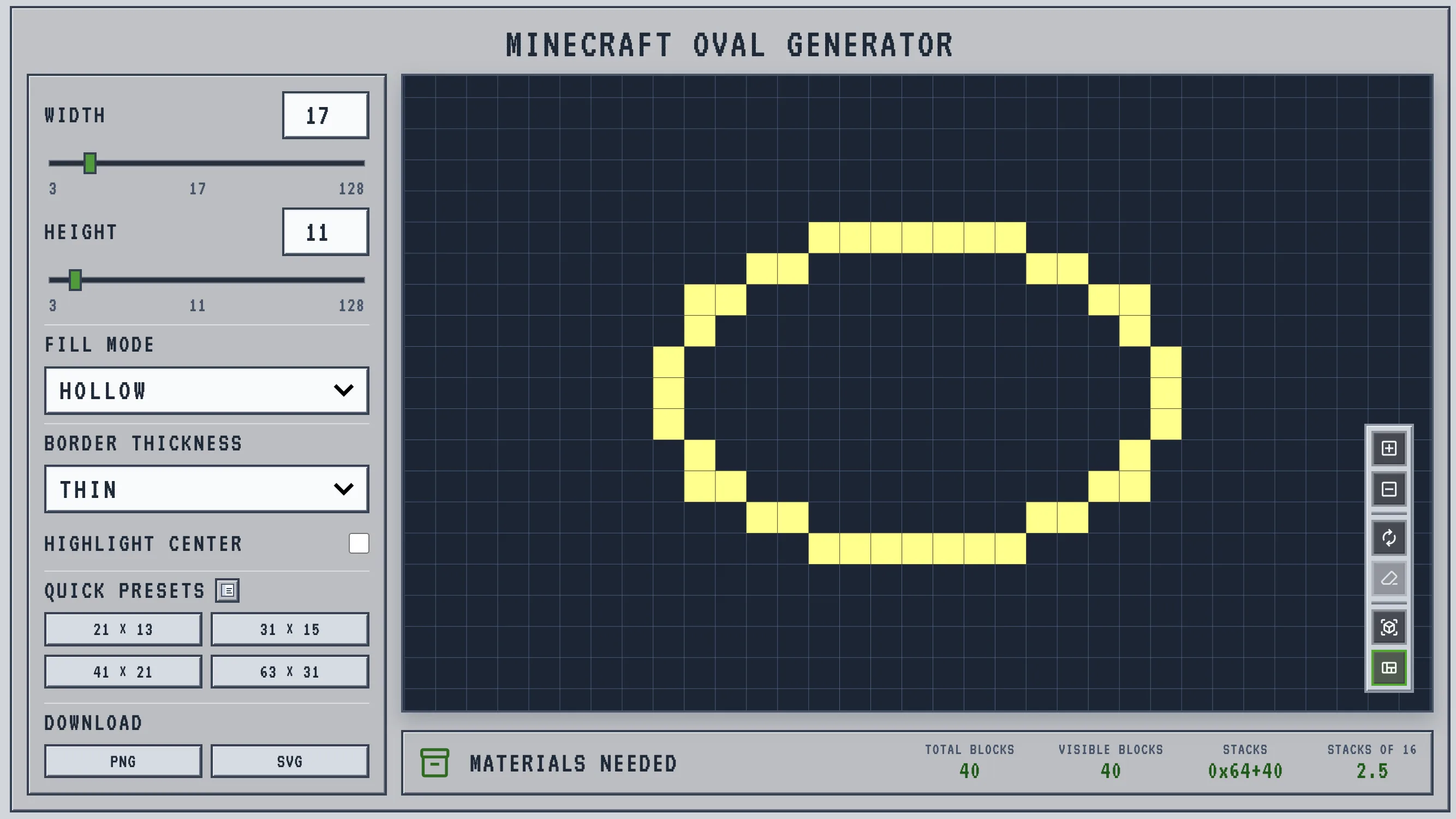
A circle only asks you for a diameter. An oval asks for a ratio, and that ratio decides whether the shape reads as a racetrack, an arena or just a squashed circle. Below about 3:2 the stretch is barely visible; past 3:1 the ends stop feeling curved and the whole thing reads as a rectangle with rounded caps.
The counts below come from the same engine the Minecraft oval generator runs, at default border thickness. Note the last column: an oval always costs less than the circle its long axis would imply, because the short axis pulls the outline inward.
| Width × Height | Ratio | Outline | Paved | Best for |
|---|---|---|---|---|
| 21 × 13 | ~3:2 | 56 | 217 | Ponds, small plazas, gardens |
| 31 × 15 Sweet spot | ~2:1 | 72 | 369 | Lap pools, small racetracks, moats |
| 31 × 21 | ~3:2 | 76 | 511 | Arena floors, stadium bowls |
| 41 × 21 | ~2:1 | 92 | 681 | Running tracks, horse courses |
| 63 × 31 | ~2:1 | 148 | 1,537 | Colosseums, mega-base perimeters |
Reads as a soft, wide circle. Right when you want to fill a rectangular plot without the shape announcing itself.
The classic track and pool proportion. Long enough to have a direction, round enough that the ends still curve.
Starts reading as a rectangle with rounded ends. Useful for canals and long halls, less so when you want an oval to look like one.
41×21 leaves room for a real lane instead of a tight loop. Packed ice for boat races, smooth stone for horses.
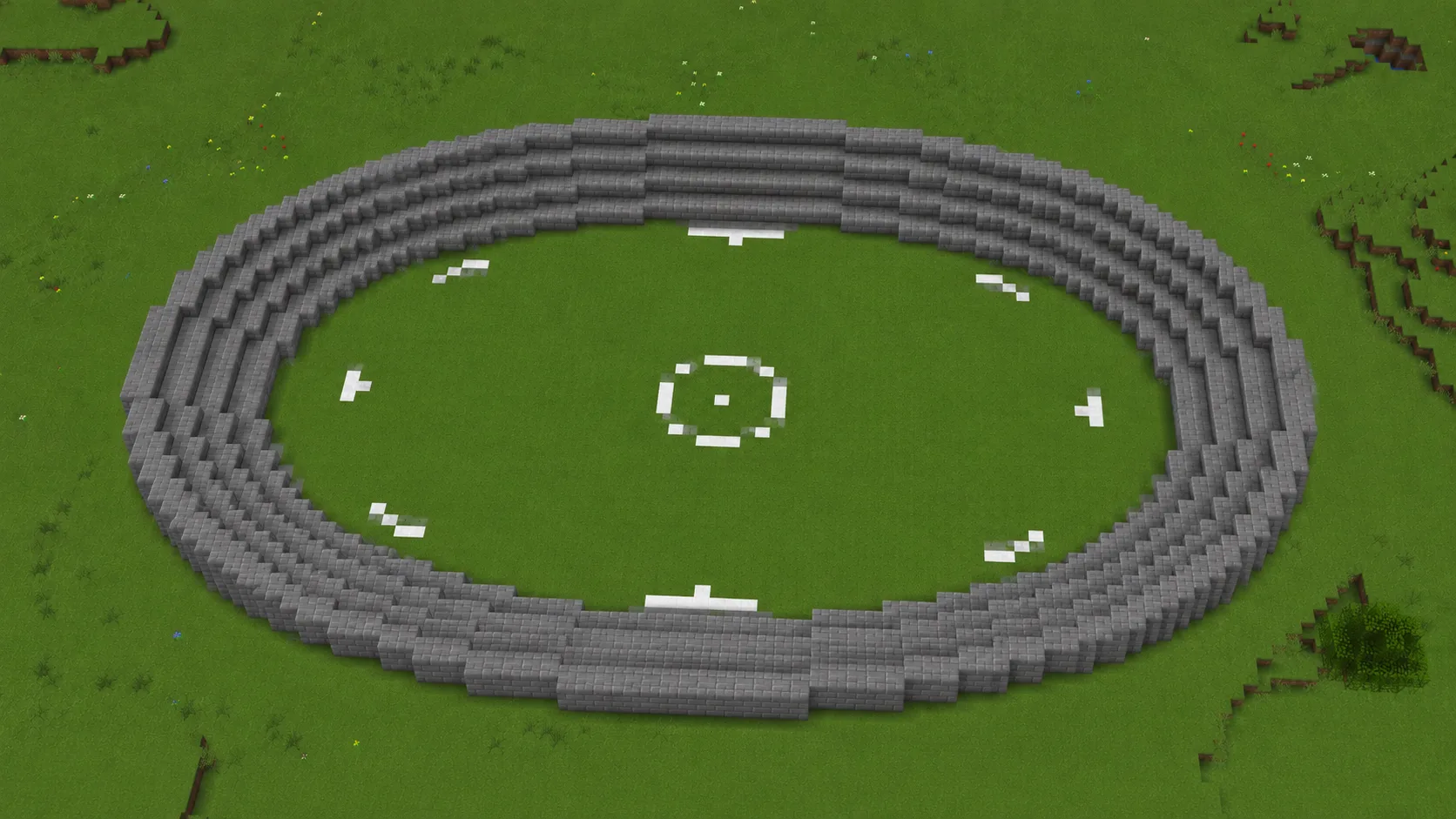
31×21 for the field, then step seating outward ring by ring. Stay near 3:2 — stretch it much further and the rows at the two ends sit a long way off the middle.
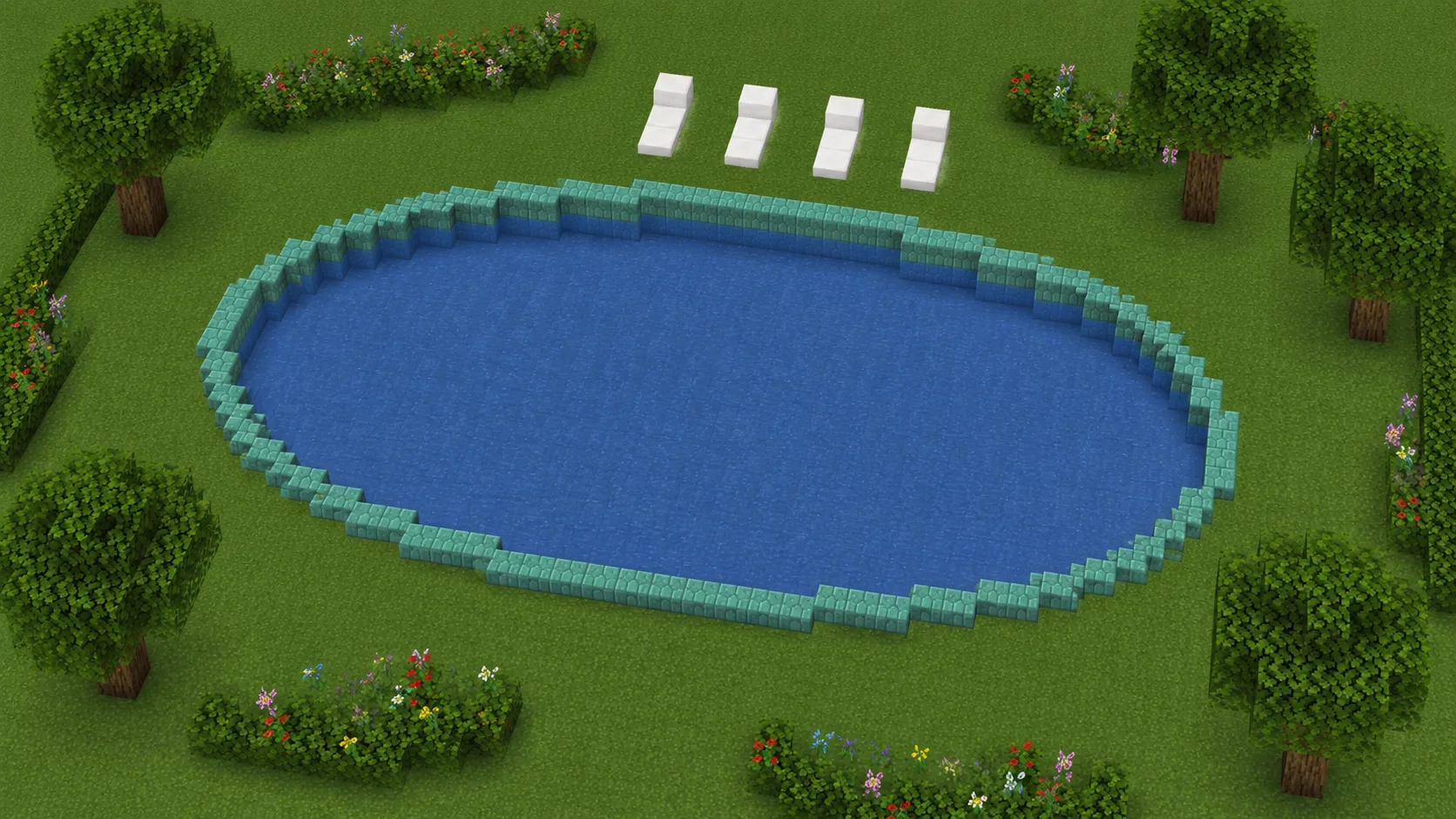
Ovals read as water far better than circles do. Dig 31×15 two deep, line it with prismarine, fill.
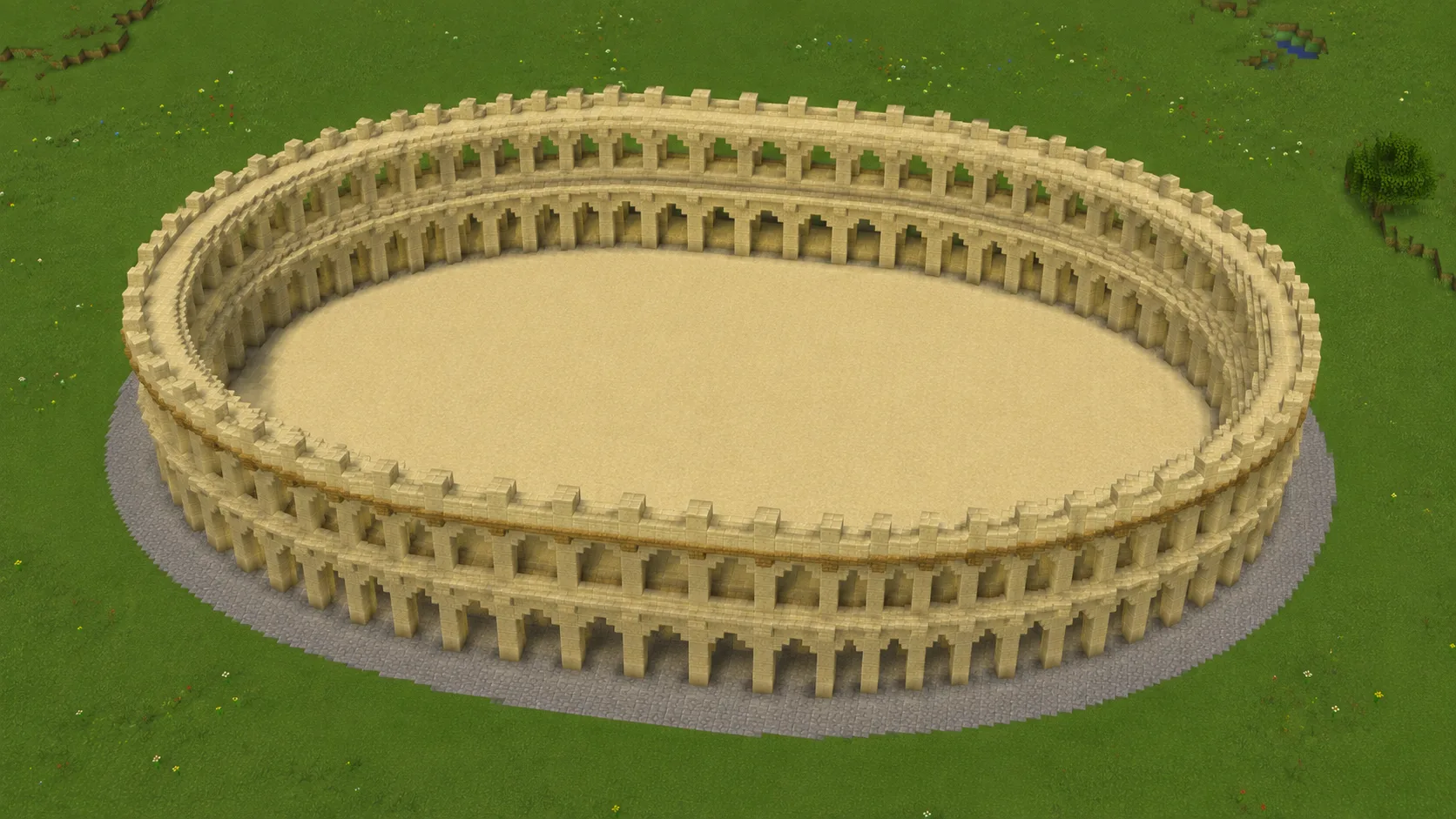
The real one runs about 1.3 to 1, not 2:1 — stretch it further and it reads as a stadium. Try 81×61, then raise arched walls off it.
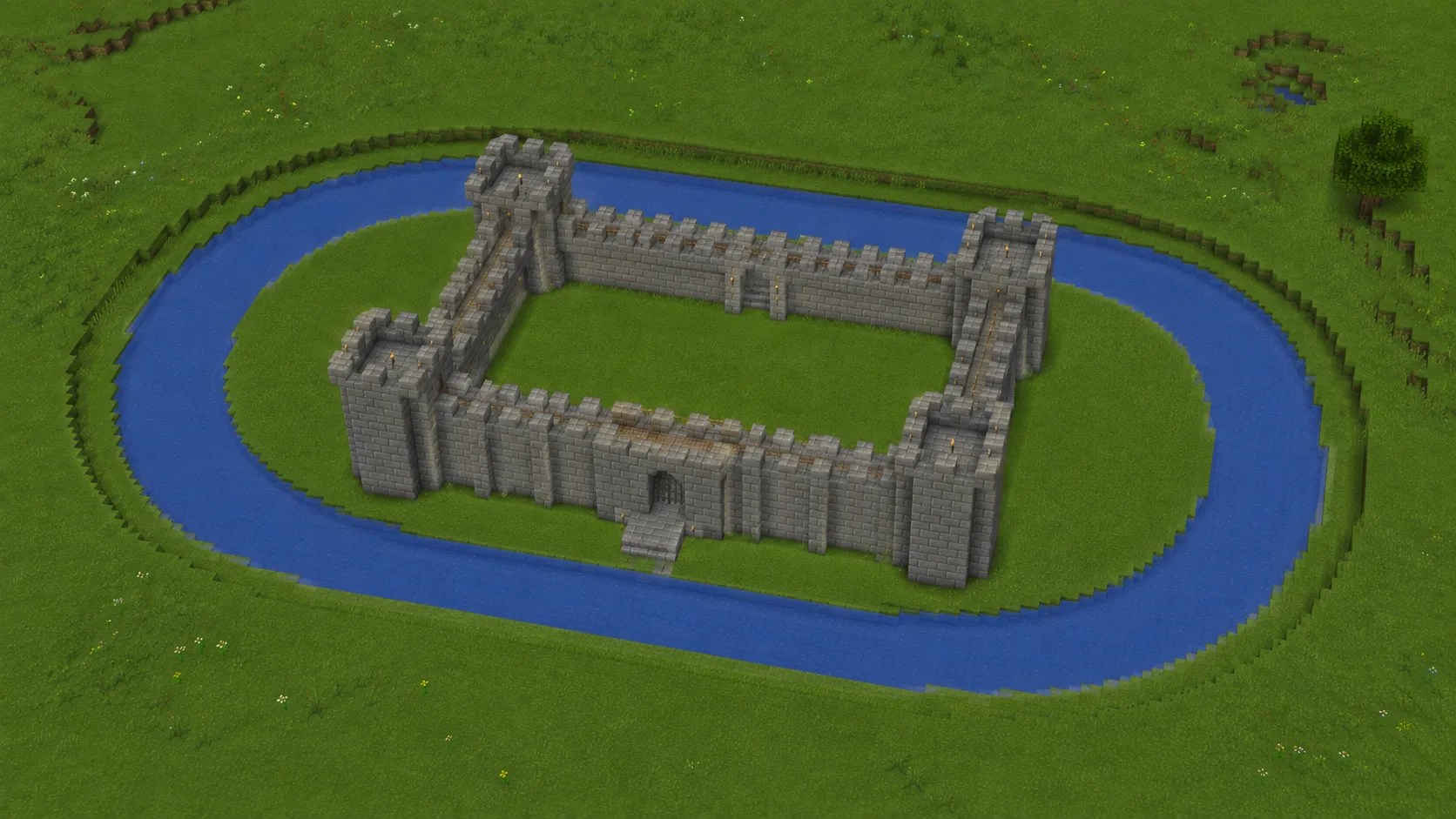
Most bases are longer than they are wide, so a round moat wastes digging. Match the oval to the footprint instead.
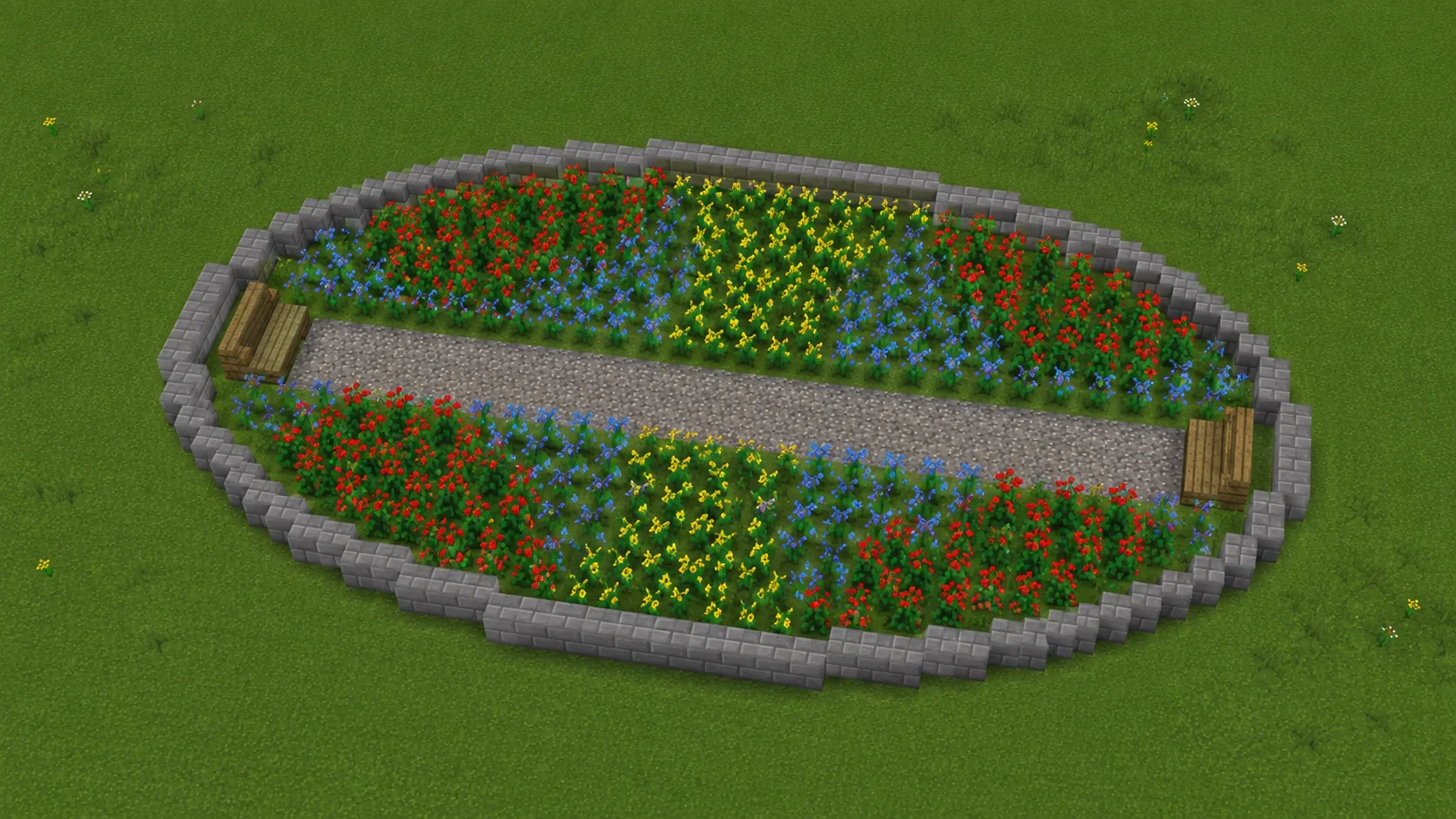
21×13 bordered in stone brick. The stretch lets a path run the long way through without cutting the shape in half.
 Tool
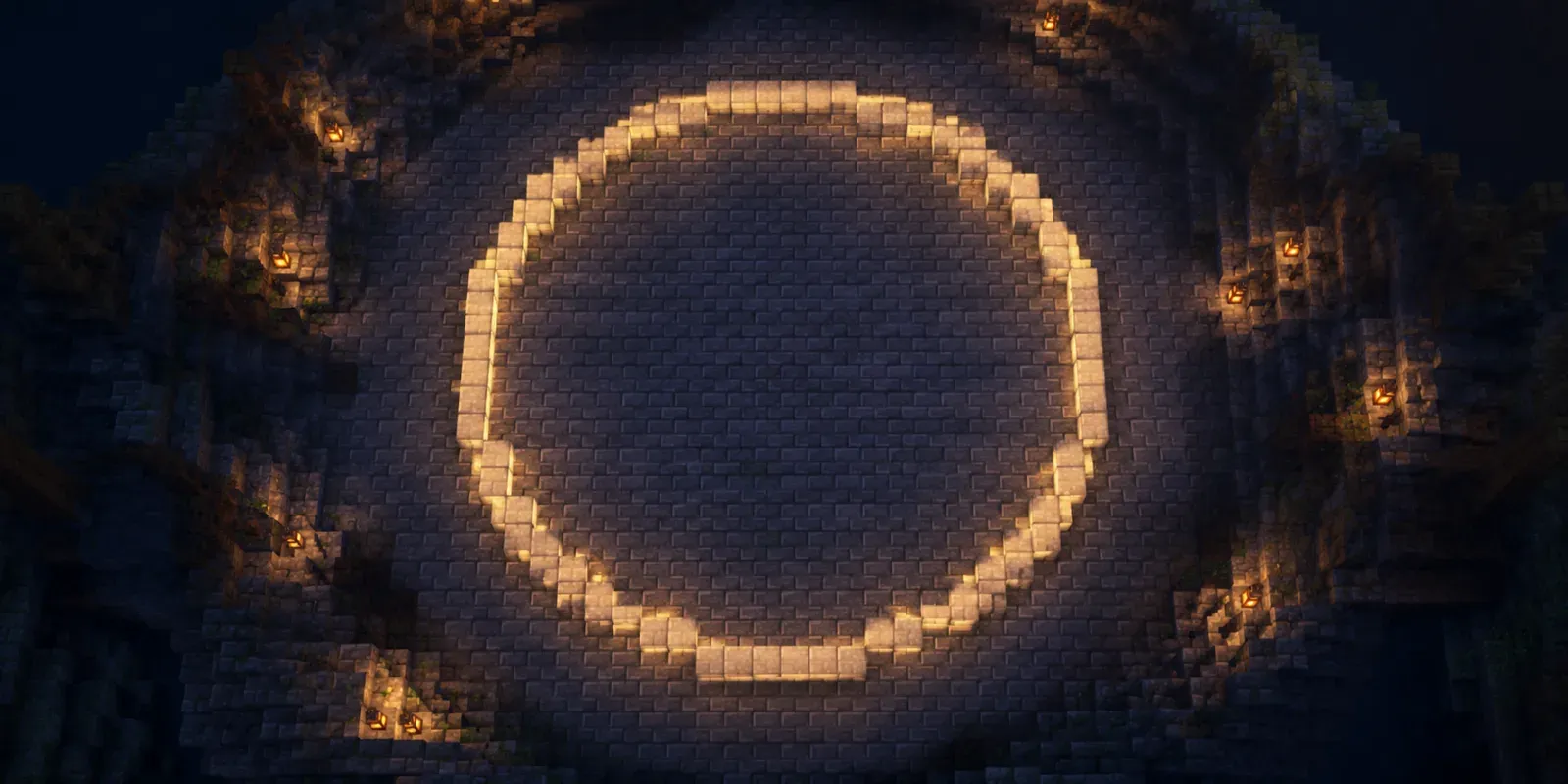
Tool Locked width and height — one diameter, perfectly round.
Open tool →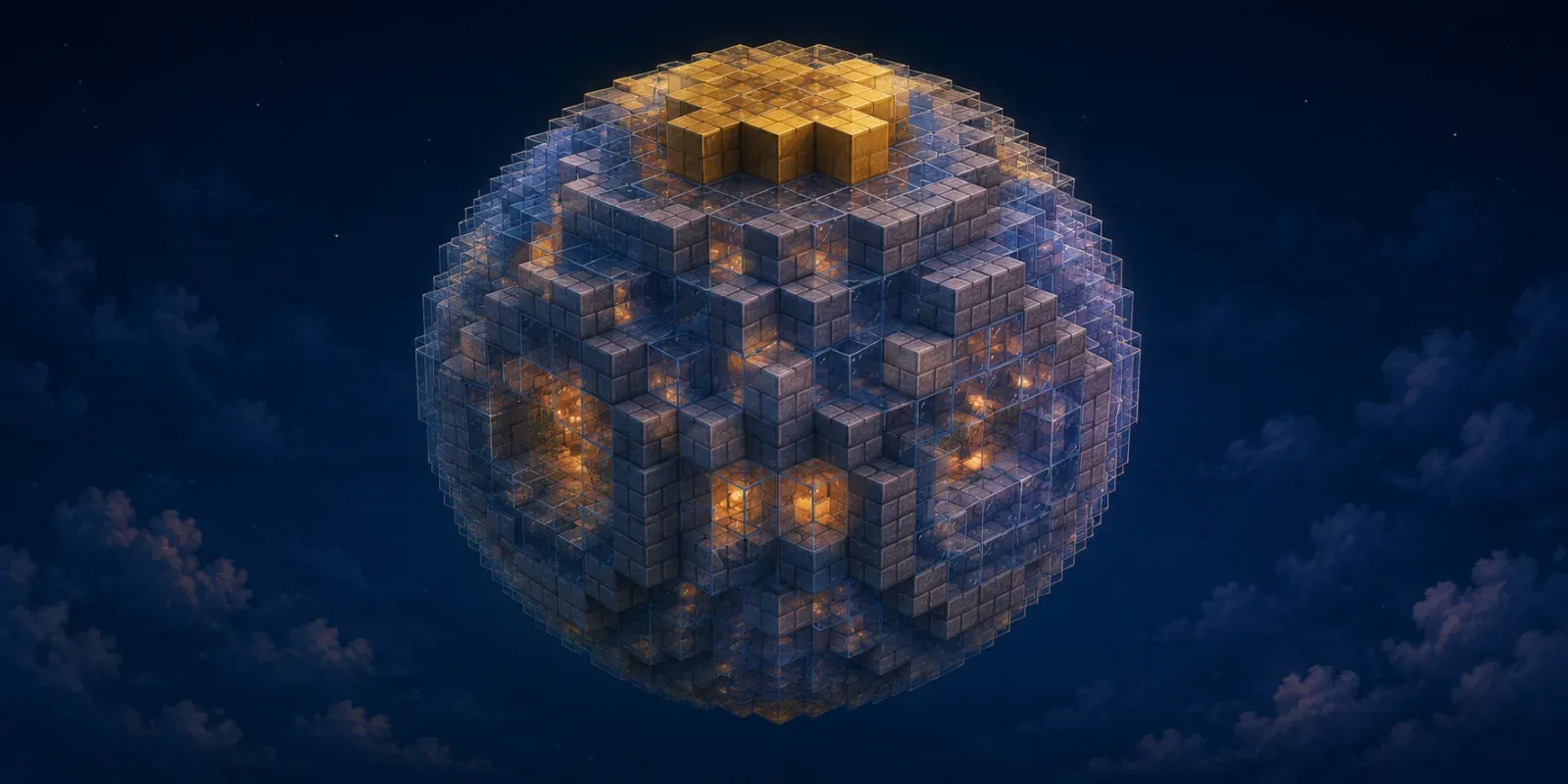 Tool
Tool The 3D version: stacked circles from cap to cap.
Open tool →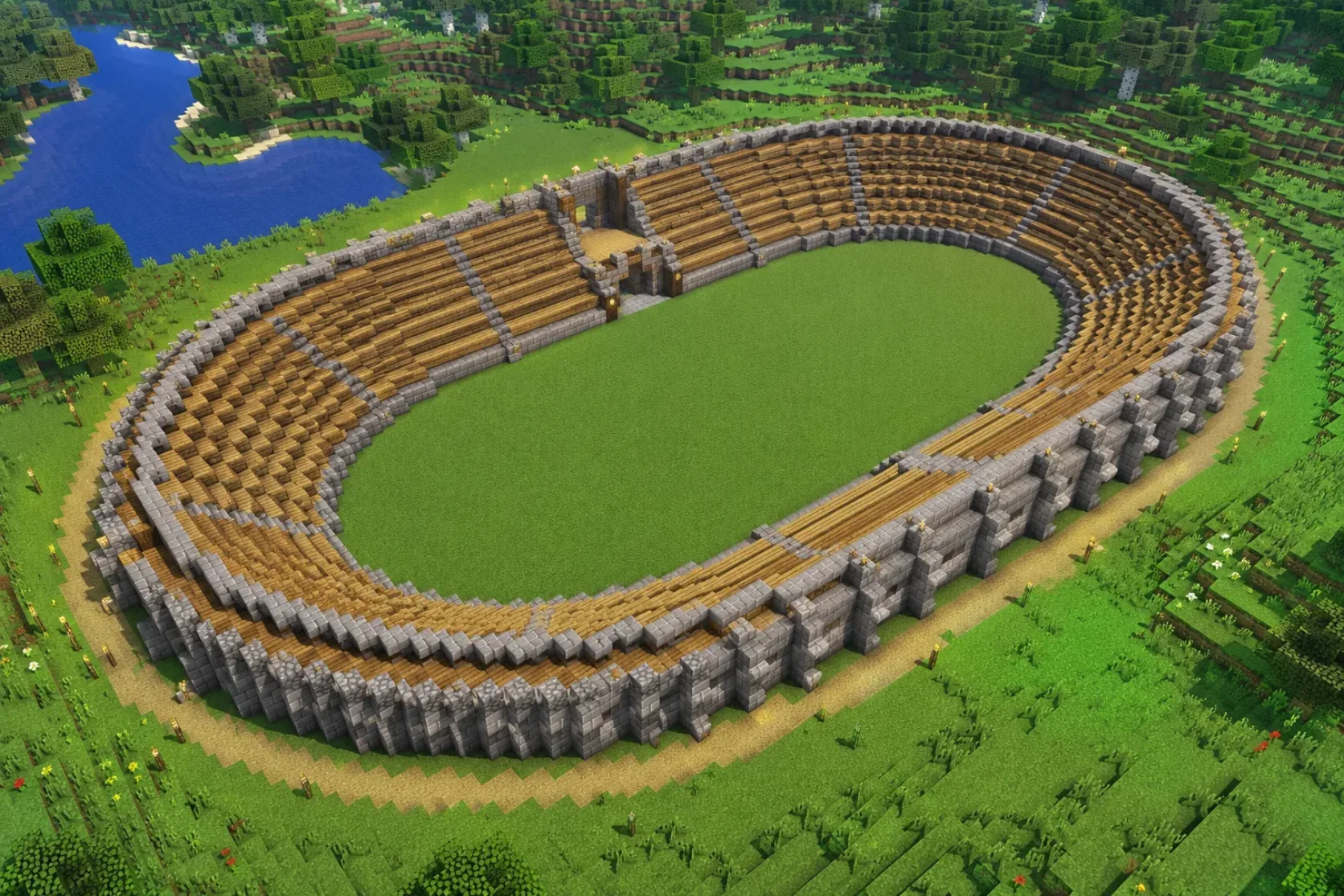 Guide
Guide The in-world walkthrough: mark the axes, mirror the quarters.
Read guide →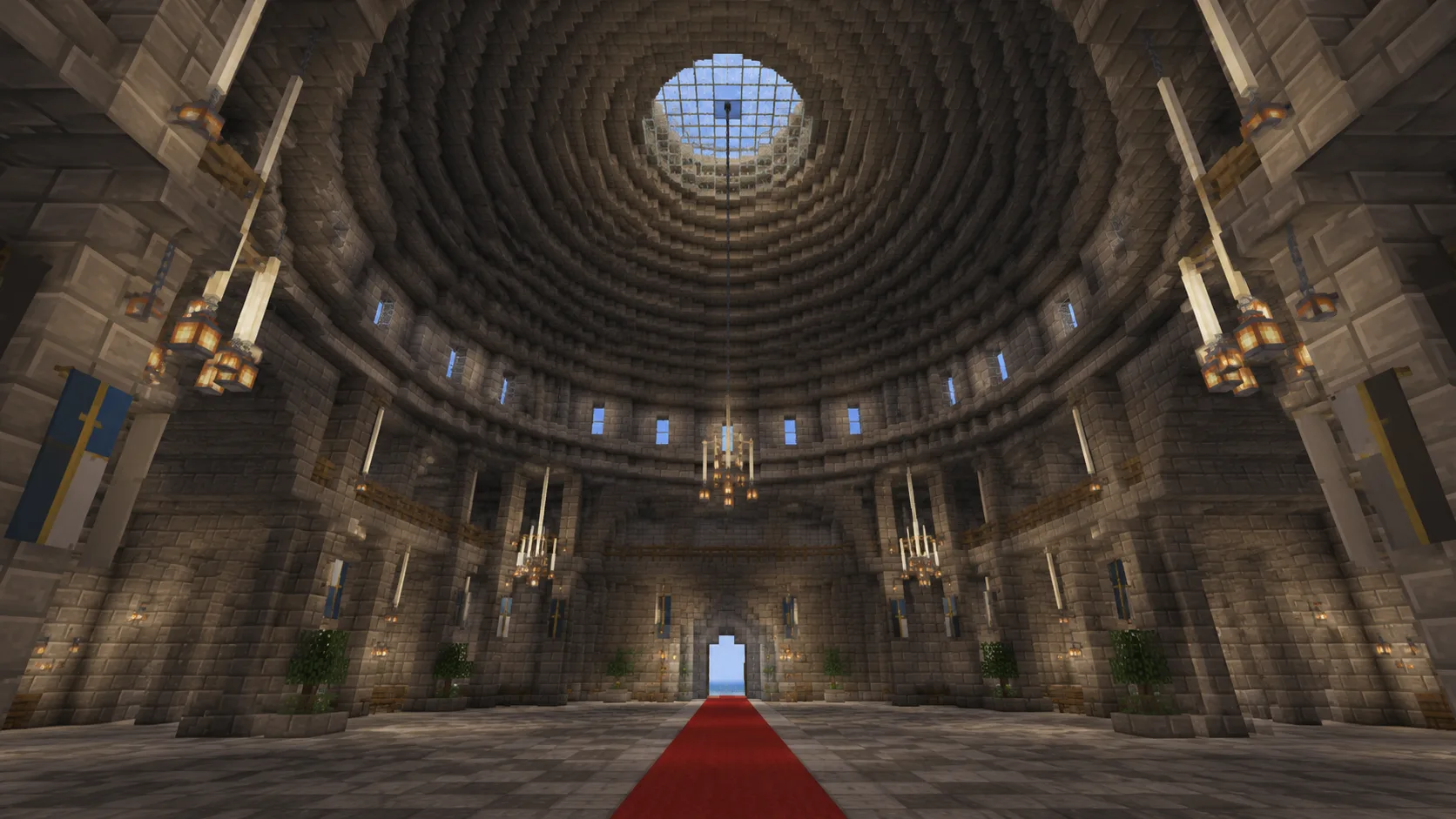 Guide
Guide The biggest oval there is — tiered seating on an ellipse footprint.
Read guide →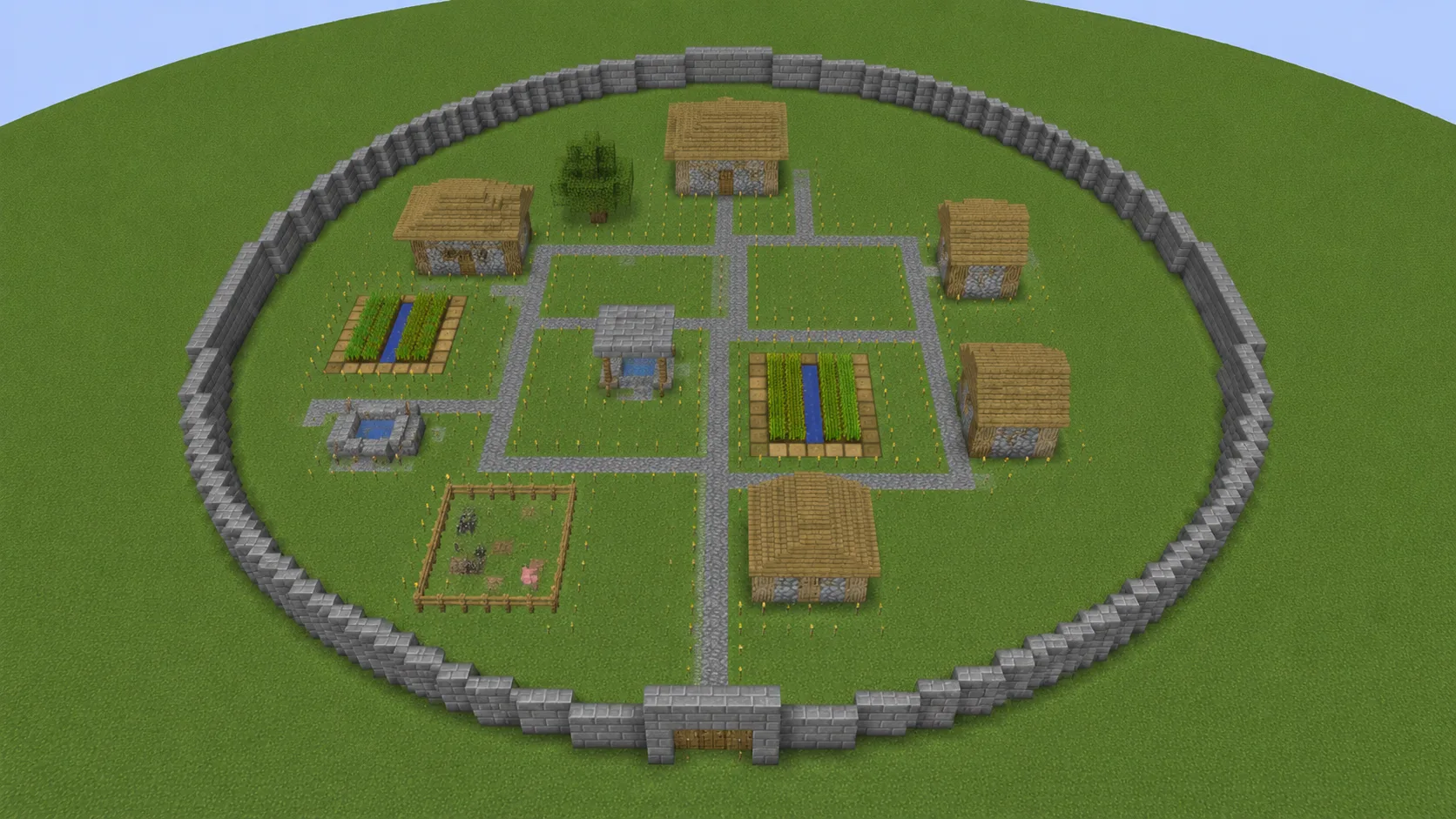 Guide
Guide Where stretched perimeters beat round ones for enclosing space.
Read guide →Did the blueprint work? Stuck? Tell us what you're building