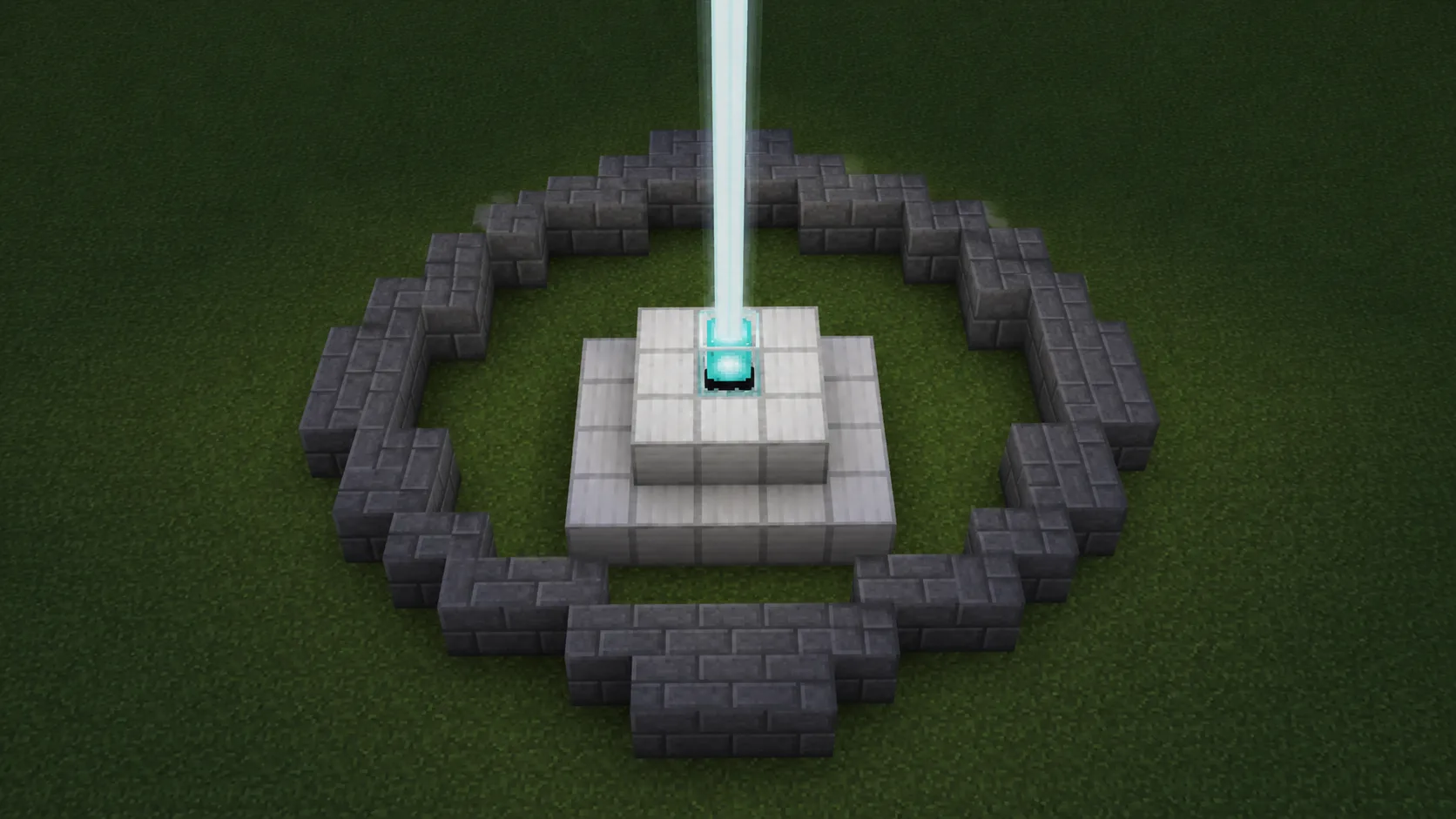
Beacon Ring
A small odd-diameter circle (7 or 9 wide) puts a single block at the midpoint, exactly where the beacon sits.
Every Minecraft circle is four mirrored quarters. Get one quarter right and the other three are a copy job. The Minecraft circle generator above does the counting; these six steps place it in game:
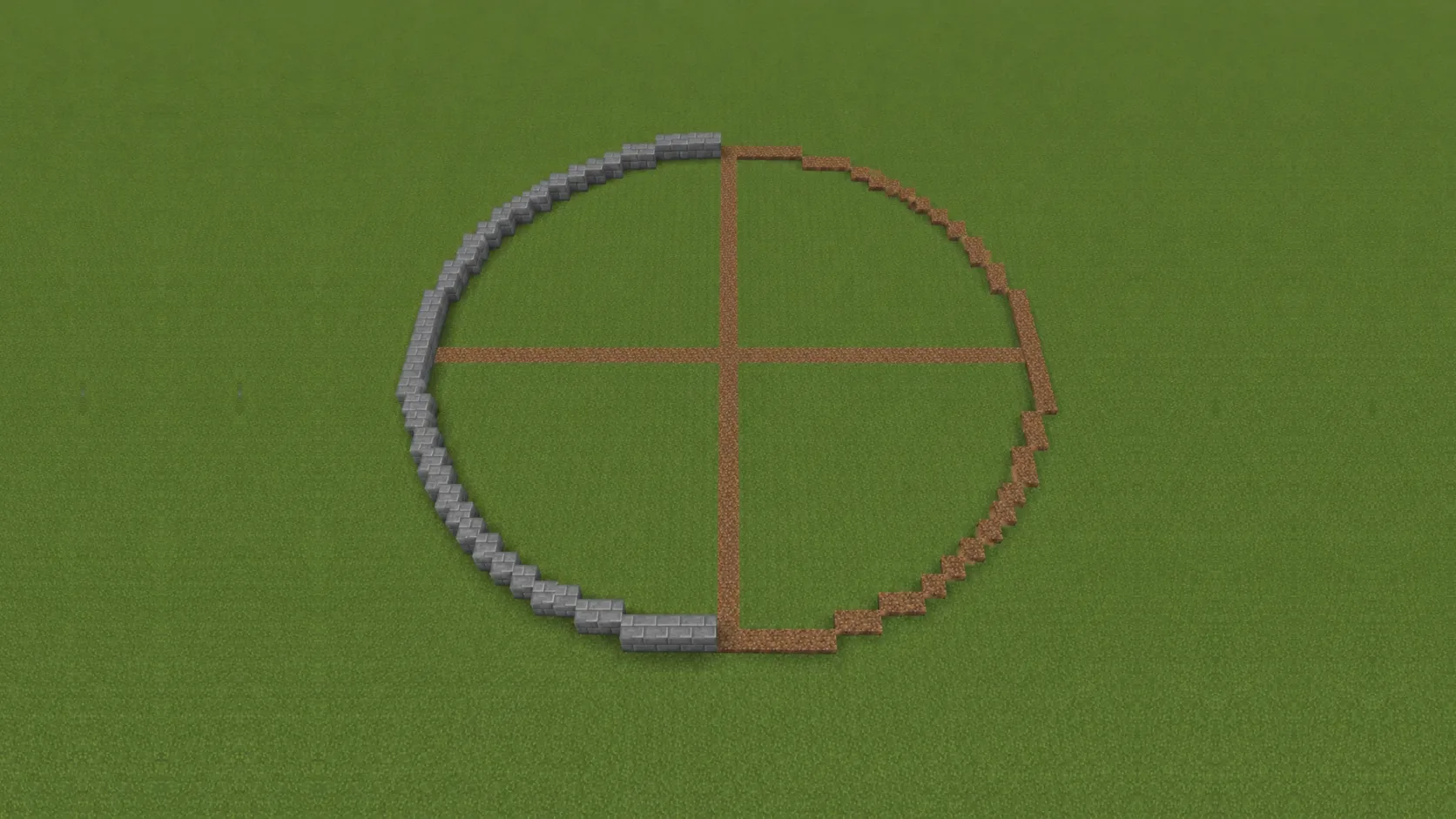
Half-built ring, quarters mirrored from the center axes
Set the Diameter to the footprint you need. Odd sizes give a single center block, even sizes a 2×2 middle.
Mark the middle of the build site. The circle center technique keeps every quarter symmetrical.
Count out from the center and drop the top, bottom, left and right blocks of the ring first, so they pin the whole outline.
Copy the blueprint's steps between two cardinal blocks: runs of 2s and 3s that pull inward as they curve.
Reflect the finished quarter across the center axes. Mirroring can't drift off-radius the way freehand tracing does.
The Materials panel shows the exact total for the fill mode you picked. If your placed count differs, one step is off. Catch it per quarter.
Want the same walkthrough with screenshots and worked examples? Follow the full circle tutorial.
Hand-counting a Minecraft circle past 11 blocks across is where most builds start to look lopsided. One block off-radius and the whole ring reads as a lump. This Minecraft circle generator does the counting for you, so the ring lines up before the first block lands.
Set the Diameter (3 to 128) and the pixel-perfect blueprint redraws instantly. Fill Mode switches between a hollow ring and a solid paved disk; in Hollow mode, Border Thickness fattens the outline for castle-scale walls. Force Circle keeps the two axes locked together, so Width is simply the diameter. The Materials Needed panel keeps a live Total, Visible and Stacks count as you drag. Download a PNG of the current view or a print-ready SVG blueprint to keep on a second screen.
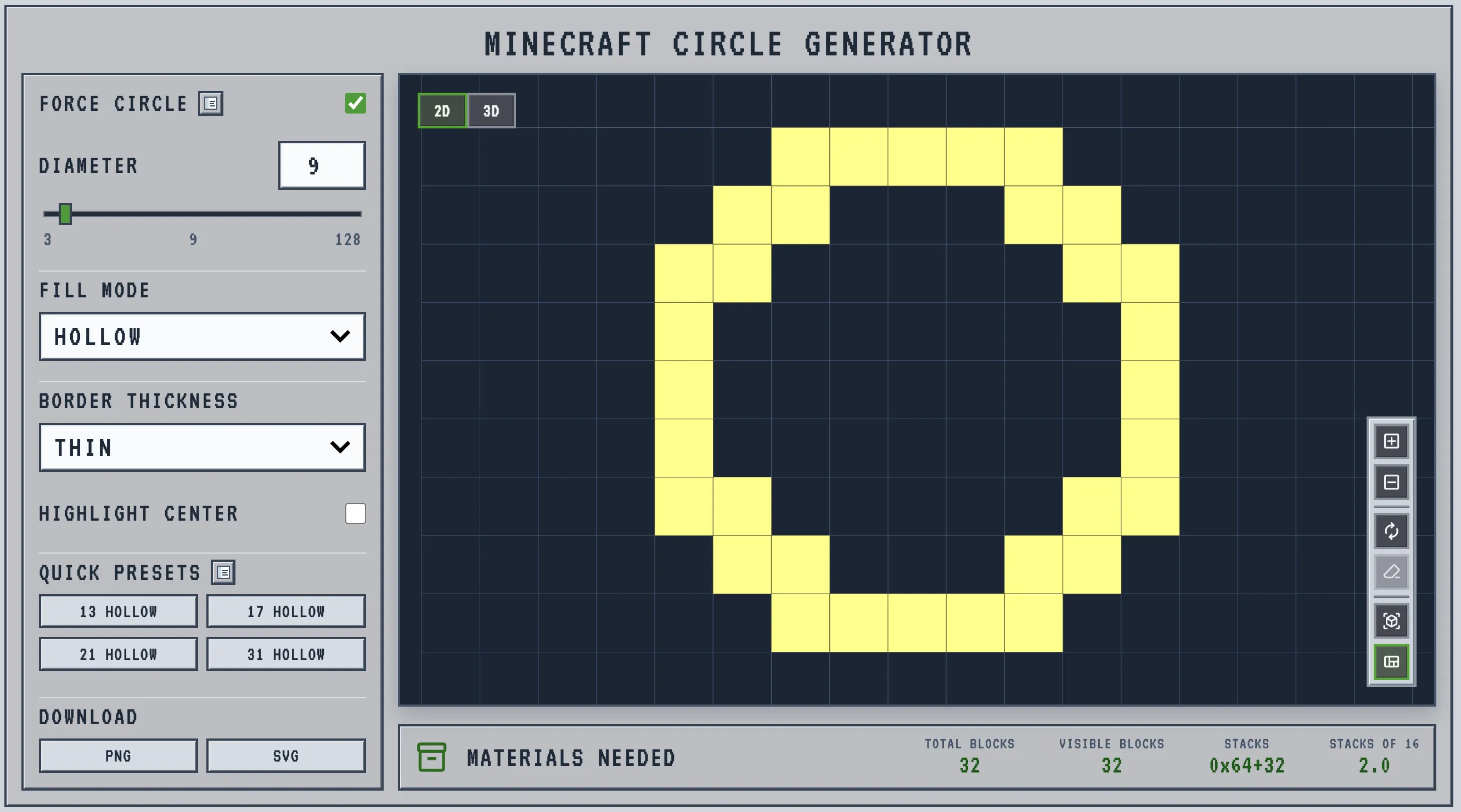
Below 11 blocks across, a circle reads as stair-steps, fine for wells and beacon rings, rough for anything meant to look deliberate. Diameter 13 to 21 is the everyday range where towers and fountains read as round, and 31 and up is mega-build territory. The other half of the decision is odd versus even: an odd diameter puts a single block at the center, exactly where a beacon, fountain head or single door has to sit, while an even diameter gives a 2×2 middle that matches double doors and portal frames. Toggle Highlight Center before you commit; it shows which middle you're getting.
The counts below come from the same engine the generator runs, at default border thickness; the live panel gives exact numbers for any size in between.
| Diameter | Center | Ring (hollow) | Solid disk | Best for |
|---|---|---|---|---|
| 9 | 1×1 | 32 | 69 | Beacon rings, wells, fountains |
| 13 | 1×1 | 40 | 137 | Watchtower bases, gazebos |
| 17 | 1×1 | 48 | 225 | Lighthouses, round rooms |
| 21 Sweet spot | 1×1 | 56 | 349 | Towers, plazas, small arenas |
| 31 | 1×1 | 84 | 749 | Arenas, stadium floors. See the 31-block guide |
| 63 | 1×1 | 192 | 3,125 | Mega-base perimeters |
Force Circle keeps width and height locked: one diameter, perfectly round. The default for rings, towers and pads.
Width and height set apart, for stadiums, moats and racetracks. Uncheck Force Circle here, or start on the oval generator.
Border Thickness at Thick or Very Thick draws a 2–3 block band, a wall footprint instead of a single-block outline.
Pick this before the size. The difference shows up at the middle of the circle, and the middle is what has to line up with whatever sits inside it it: a beacon, a door, a fountain head, a portal frame.
| Odd (9, 13, 21…) | Even (10, 16, 20…) | |
|---|---|---|
| Center | 1×1 single block | 2×2 four-block cluster |
| Best for | Beacon, fountain, single door, lectern, center pillar | Double-door entrance, two-wide portal entrance, mirrored arch, spawn pad |
| Worst at | Two-wide portal entrance placement, since the middle is one block, not two | Beacon placement, since the beam sits off-axis from any one block |
| Symmetry | Mirrors cleanly across both axes from the middle block | Mirrors evenly across the two center seams |
Toggle Highlight Center before you commit. It shows the actual middle type on the preview, so the mismatch never surfaces half-way through placing the ring. The full center workflow is in the Minecraft circle center guide.
Flat ring, stretched ellipse, full ball or roof — every shape on this site comes off the same block-grid math.
Flat rings and paved disks for beacon rings, towers and arena floors. One diameter, locked round — the tool at the top of this page.
A stretched ring for stadiums, pools and racetracks. Open the oval generator for two independent axes.
A full 3D ball, built as stacked circles. Open the sphere generator for the layer-by-layer preview.
The top half of a sphere: roofs, observatories, greenhouses. Open the dome generator.
Place a marker block at the middle before anything else. Every count starts there, and Highlight Center shows the same block in the preview.
Run dirt or wool lines out from the center to the four cardinal points, build against them, then swap in the real material.
Never trace the full ring freehand. One correct quarter mirrored three times is faster and can't drift off-radius.
On the harshest diagonal jumps, stairs on top and upside-down stairs under the lip make the curve read rounder at eye level.
The 13 / 17 / 21 / 31 presets are proven sizes that read as round at normal viewing distance. Pick the nearest and adjust from there.
Almost always a center or mirroring error, not a bad blueprint. The uneven circle fix guide walks through finding the drifted block.
Plenty of pixel charts show you a circle. A Minecraft circle generator should also price it, preview it and hand you something you can build from. This one does all three, free and in the browser.
Total, Visible and Stacks-of-64 update as you drag: a circle calculator built into the blueprint, so you mine exactly enough.
Download a PNG of the current view or a print-ready SVG grid, then keep the template on a second screen while you build.
Block-grid math is identical in every edition, so one blueprint works for Java, Bedrock and consoles. In-browser, no signup.
A small odd-diameter circle (7 or 9 wide) puts a single block at the midpoint, exactly where the beacon sits.
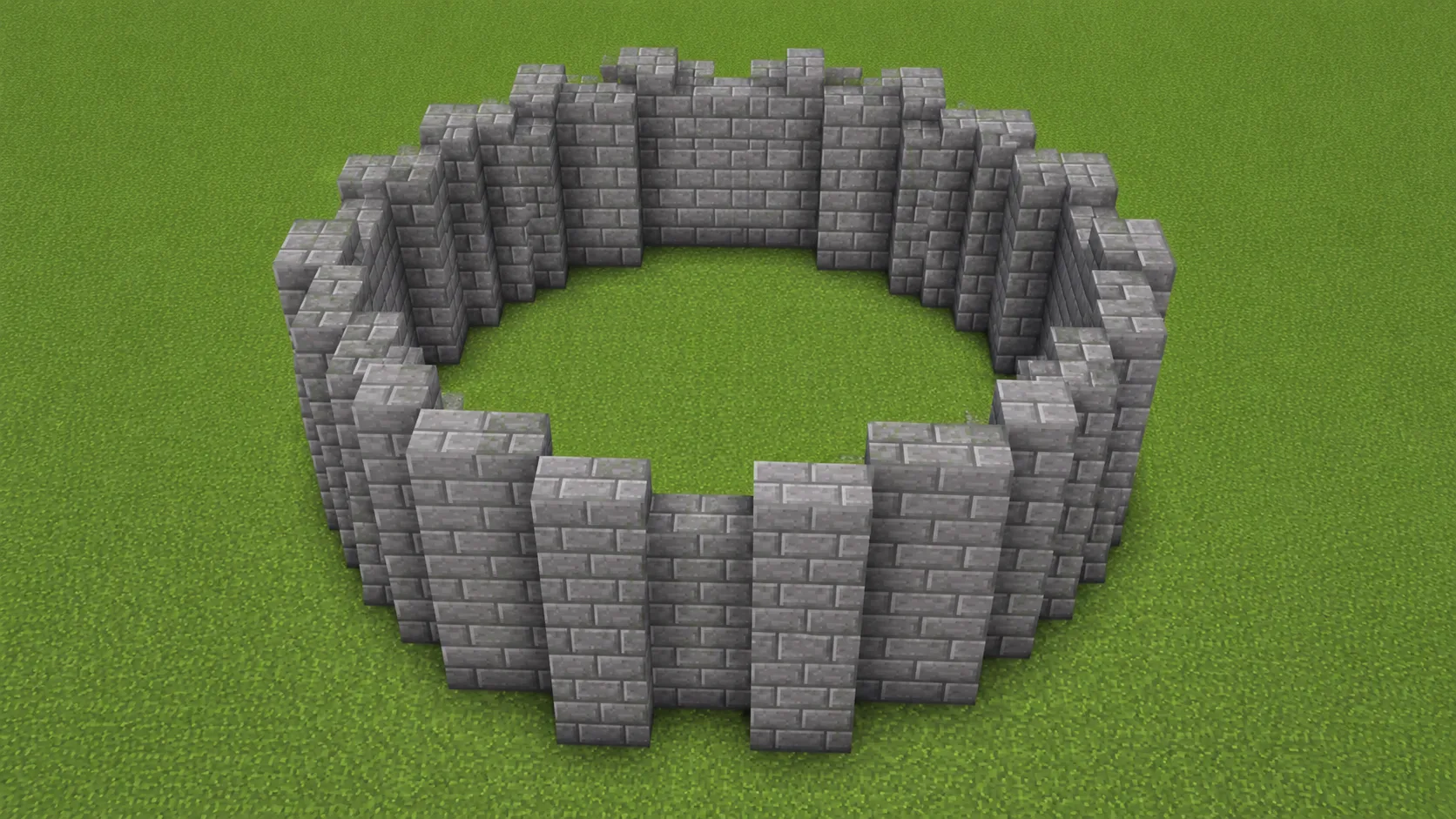
13 to 17 wide keeps a tower silhouette readable as round without burning extra stone. The classic castle corner.
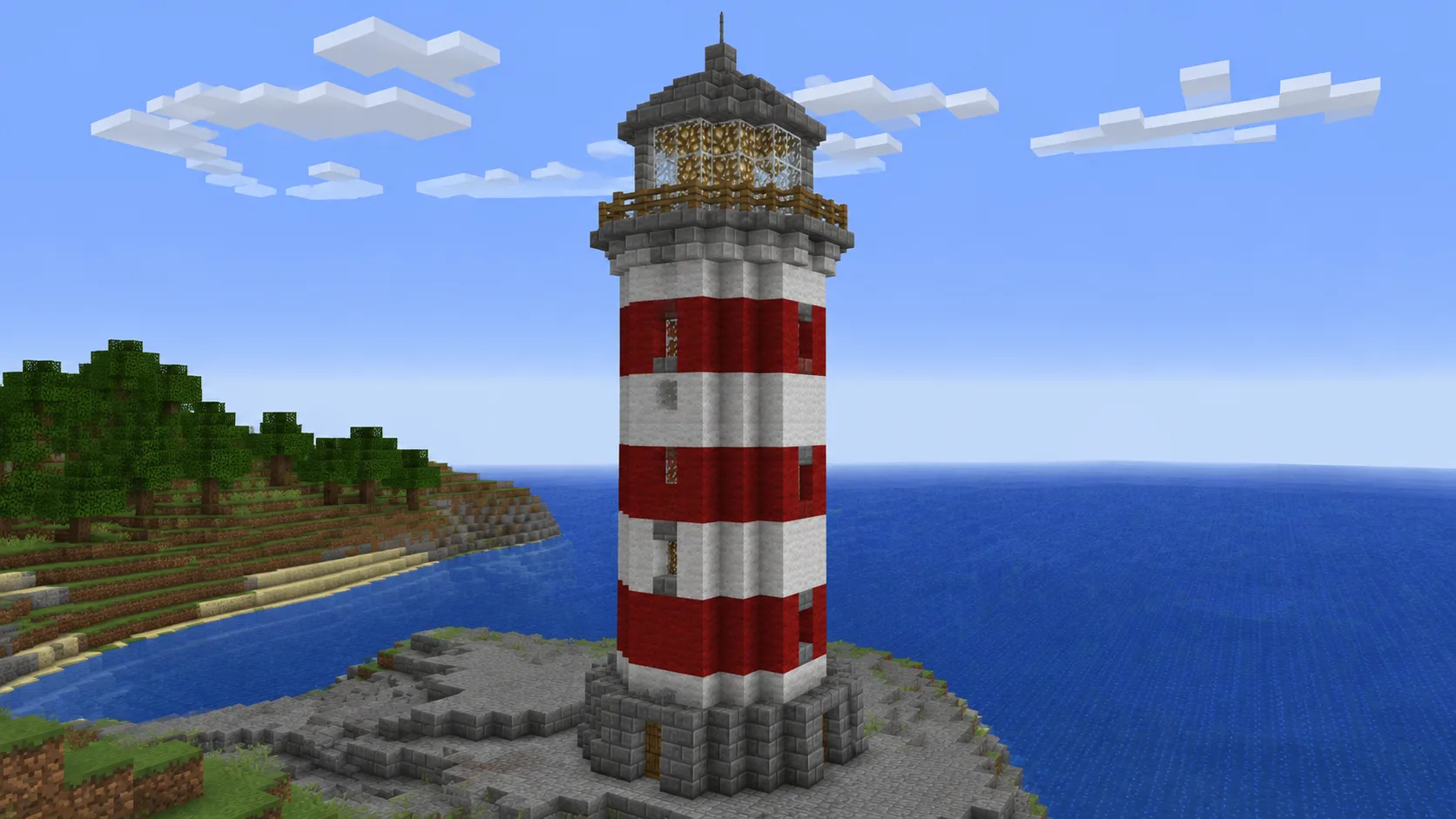
A 17 to 21-block hollow outline is the common lighthouse footprint, round from any horizon distance.
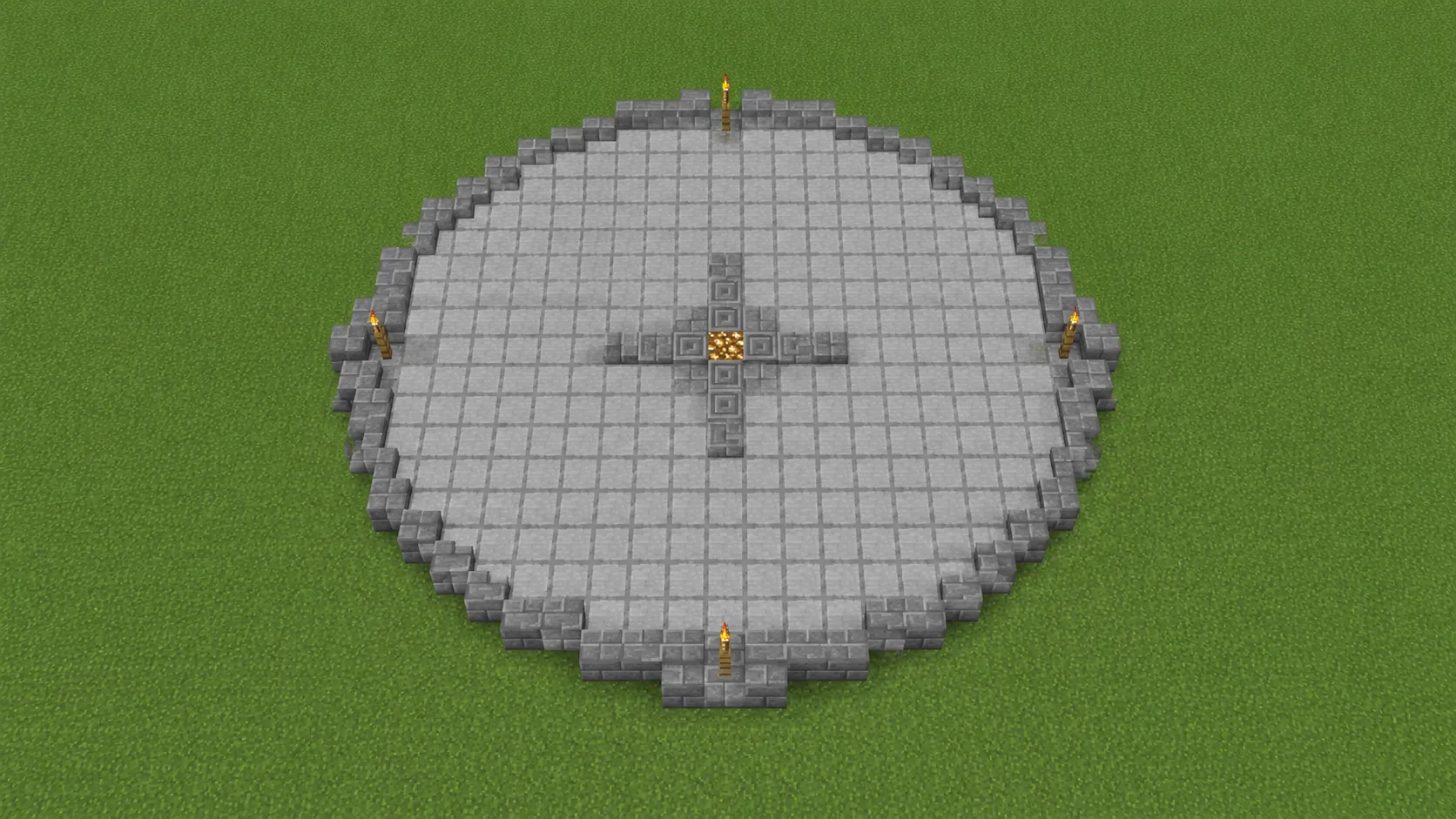
Solid Fill Mode at 21 to 31 wide paves a plaza or coliseum floor. The Total counter prices the whole disk.
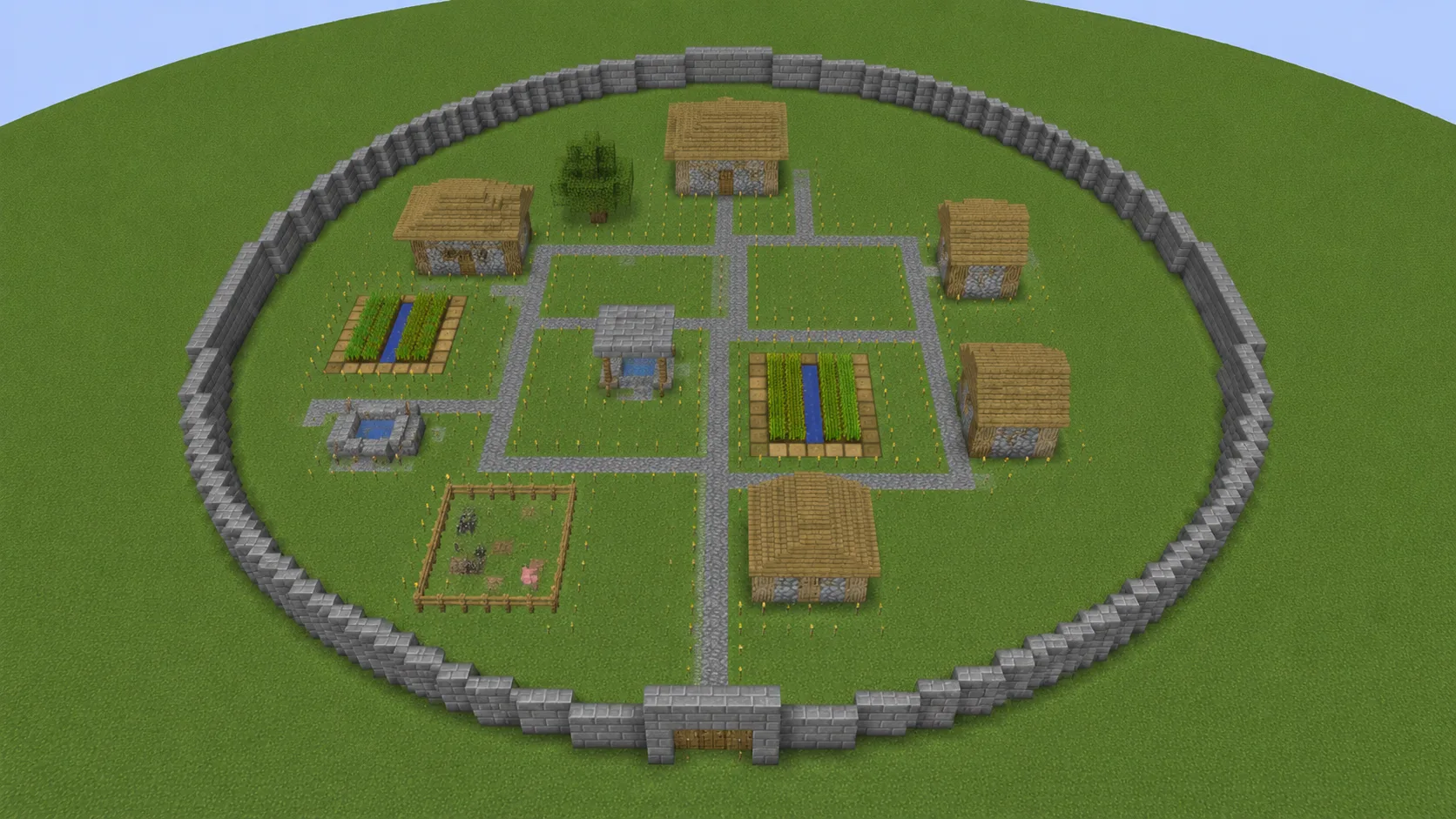
31 wide and up, hollow. The wall is the build, and the Stacks counter batches your trips back to storage.
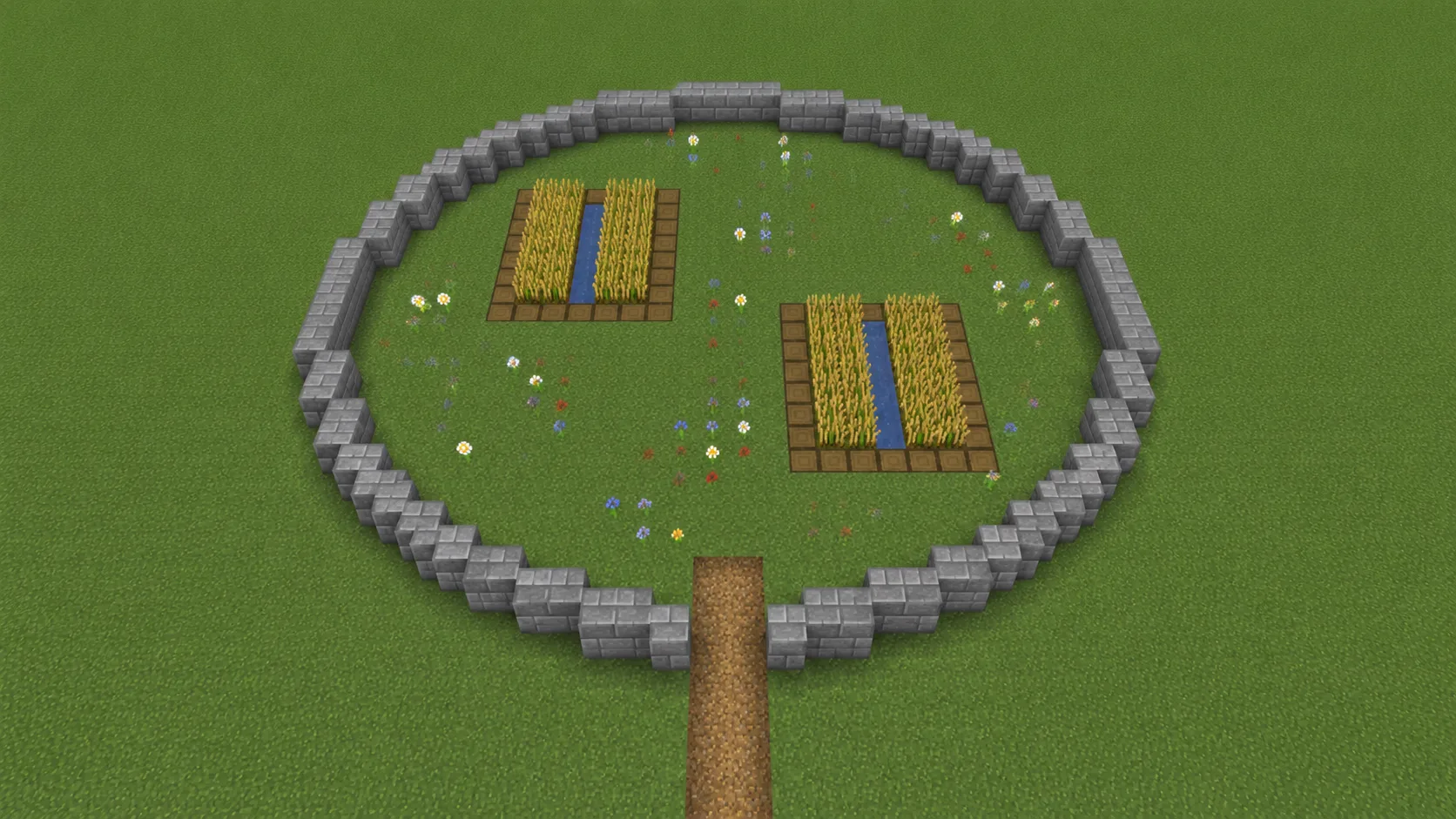
A 13 to 17-block stone outline with farmland inside makes a tidy crop circle: frame the plot, keep the interior useful.
 Tool
Tool Full 3D spheres with a layer-by-layer preview and live counts.
Open tool →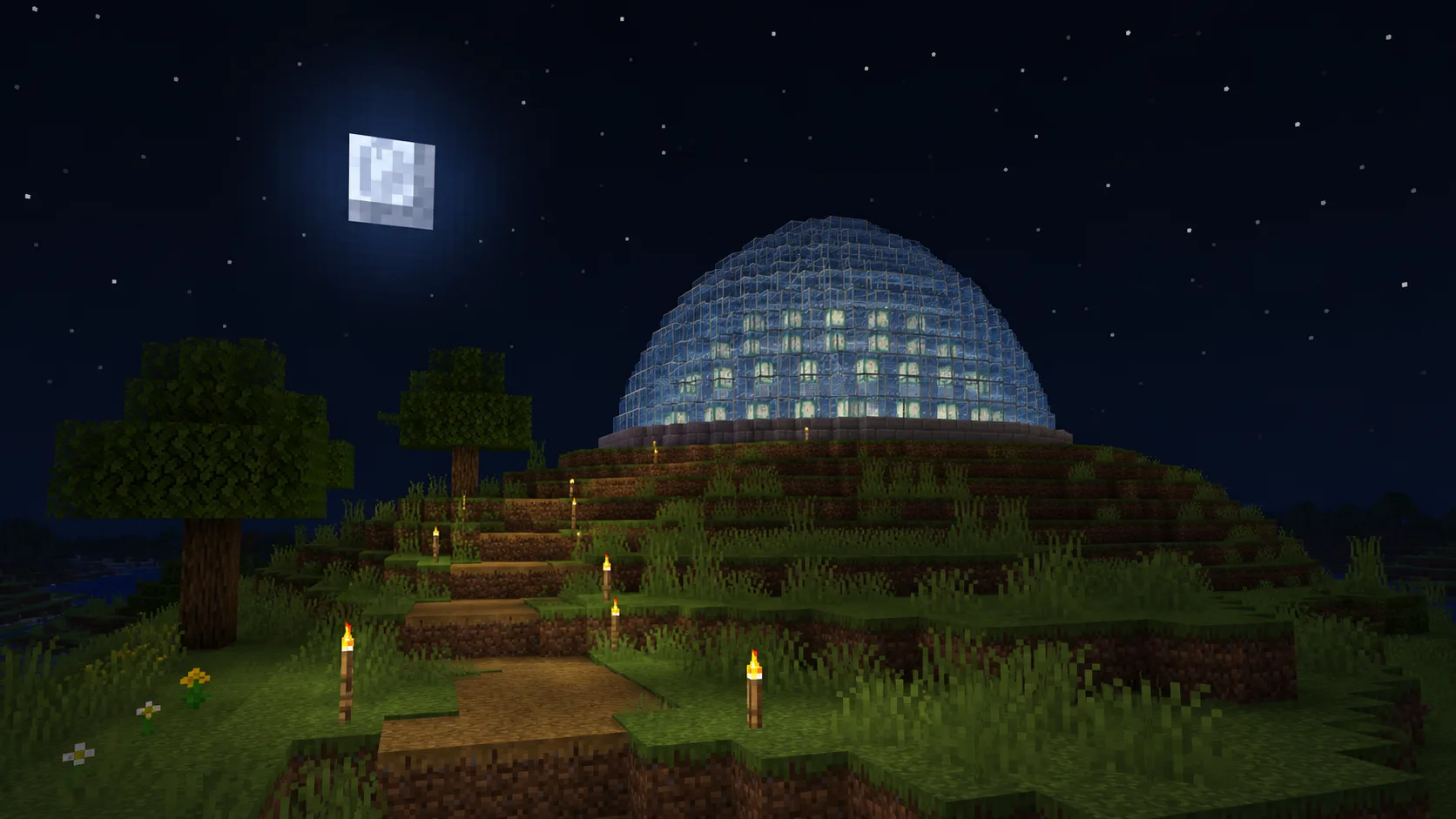 Tool
Tool Half-sphere roofs and observatories, ring by ring.
Open tool →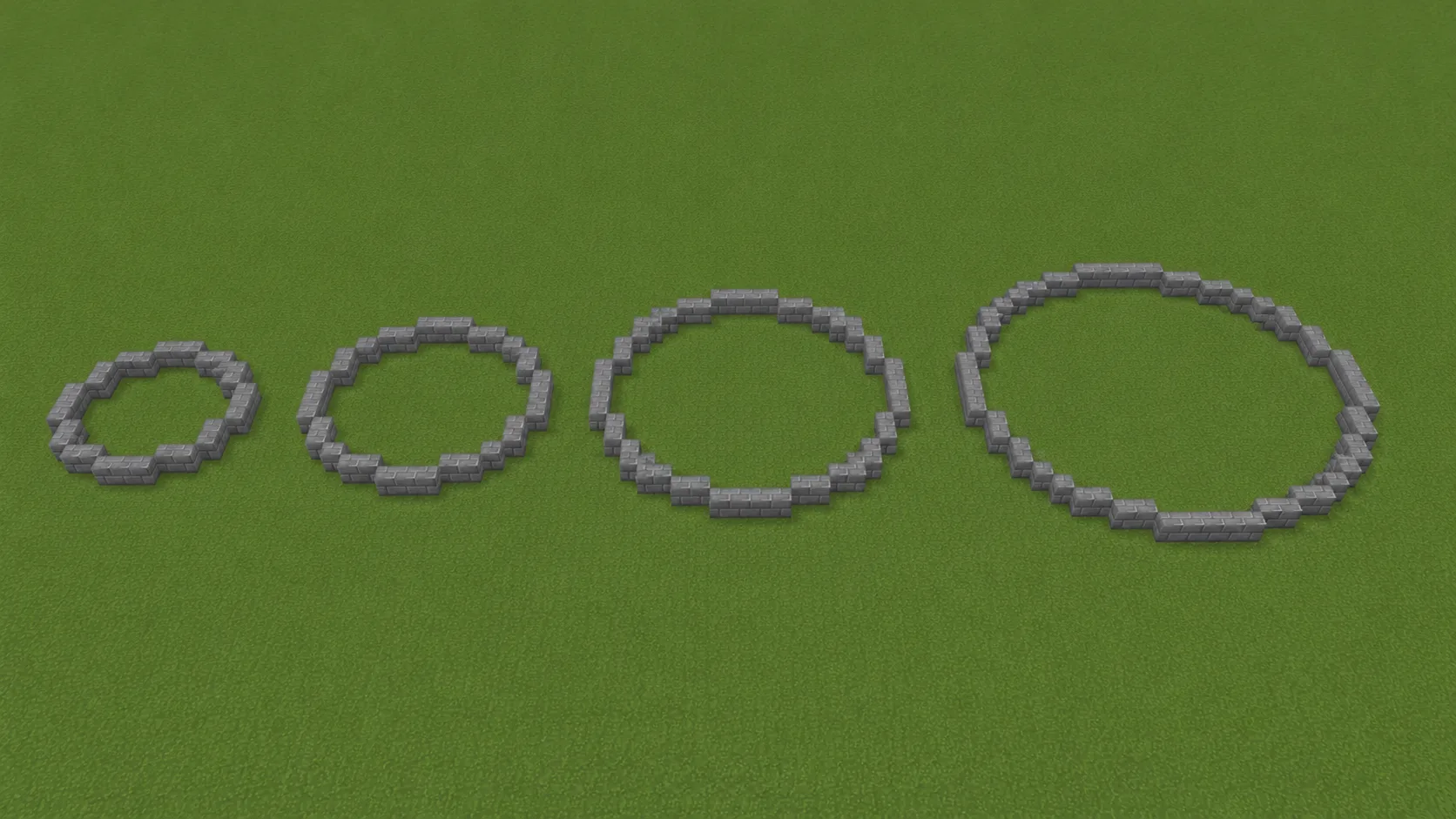 Guide
Guide The full how-to with screenshots, from first ring to arena floor.
Read guide →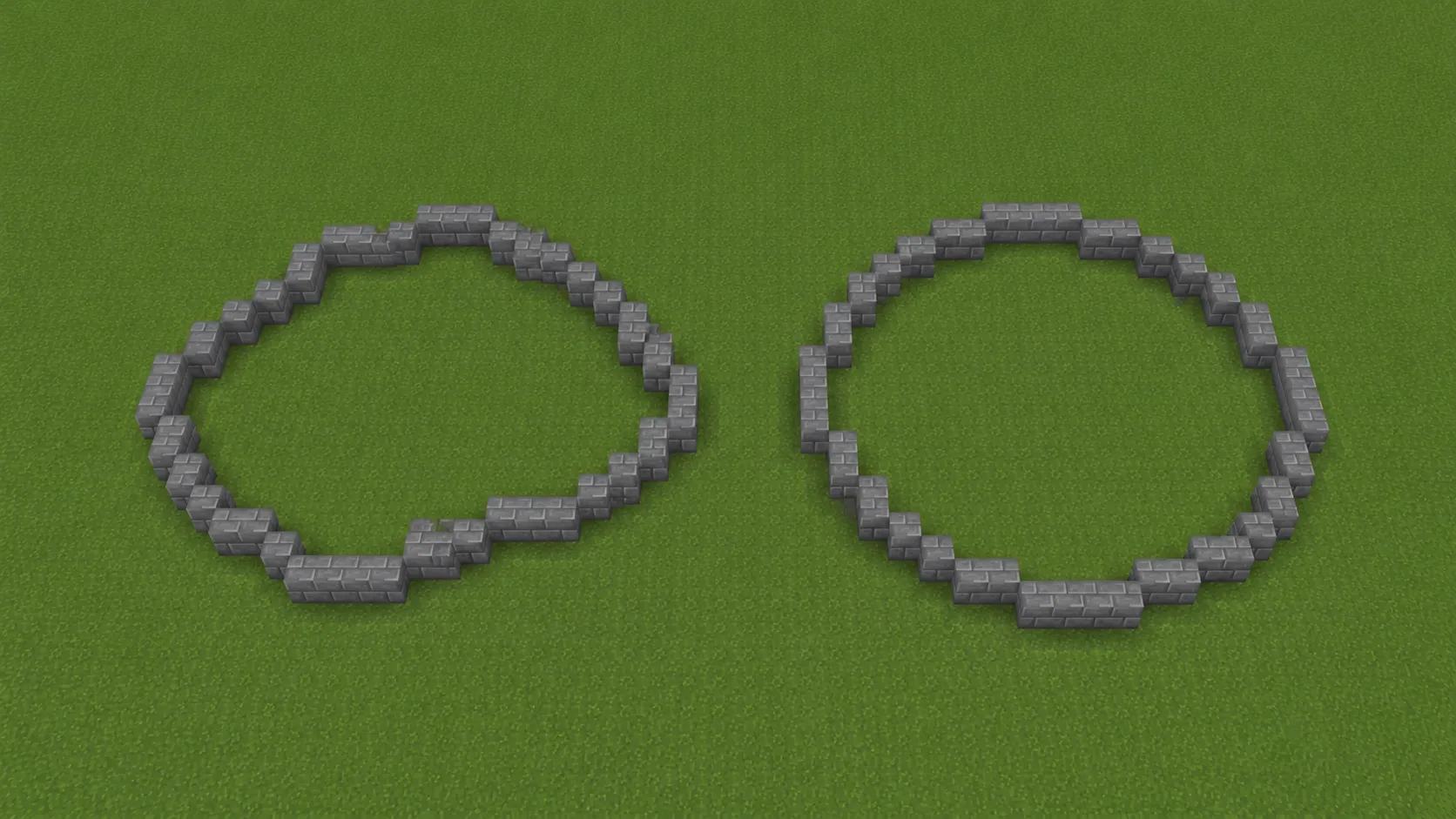 Guide
Guide Stop the one-block drift. Center anchoring that keeps rings true.
Read guide →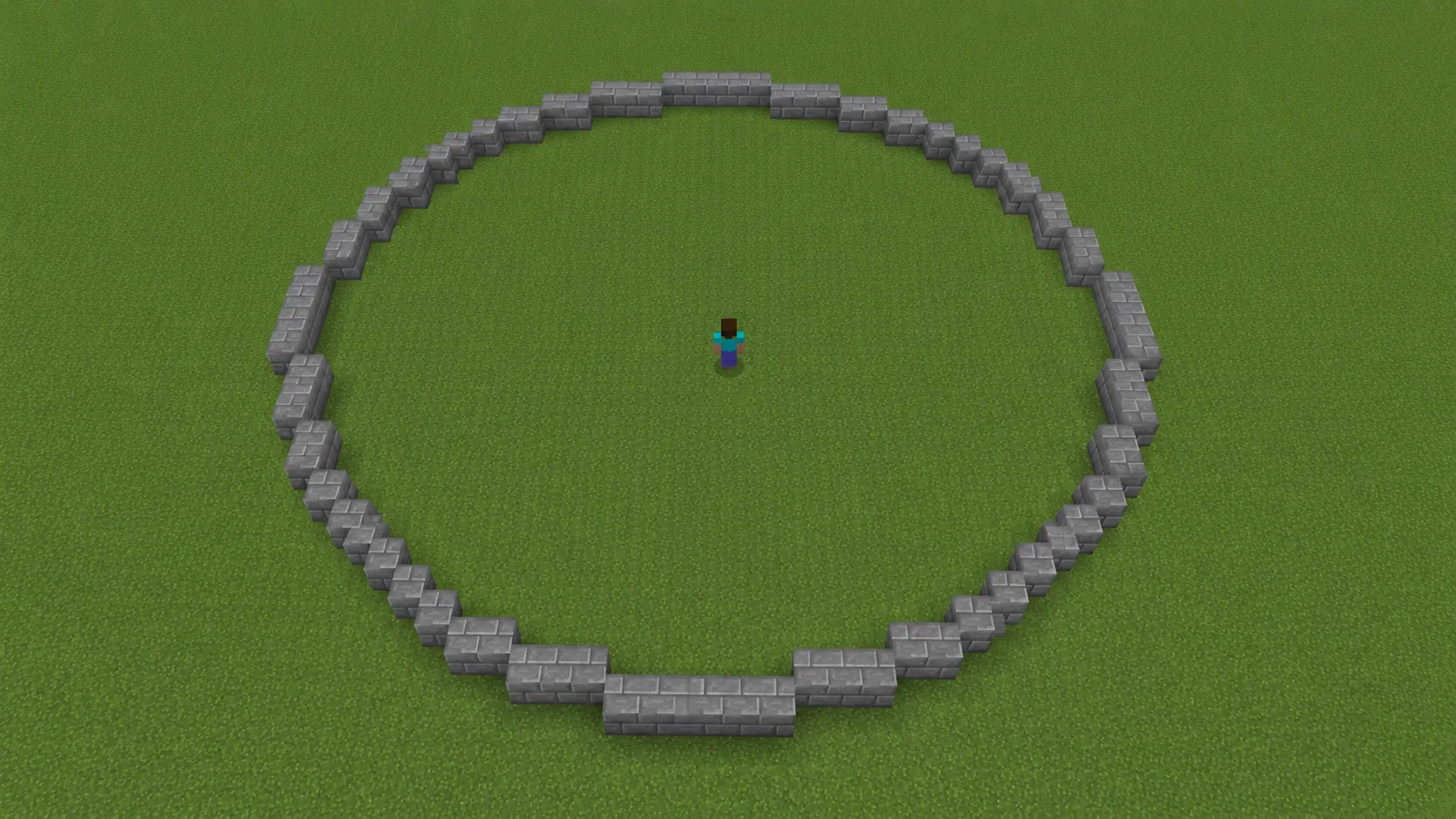 Guide
Guide Why 31 wide is the sweet spot for arenas and mega rings.
Read guide →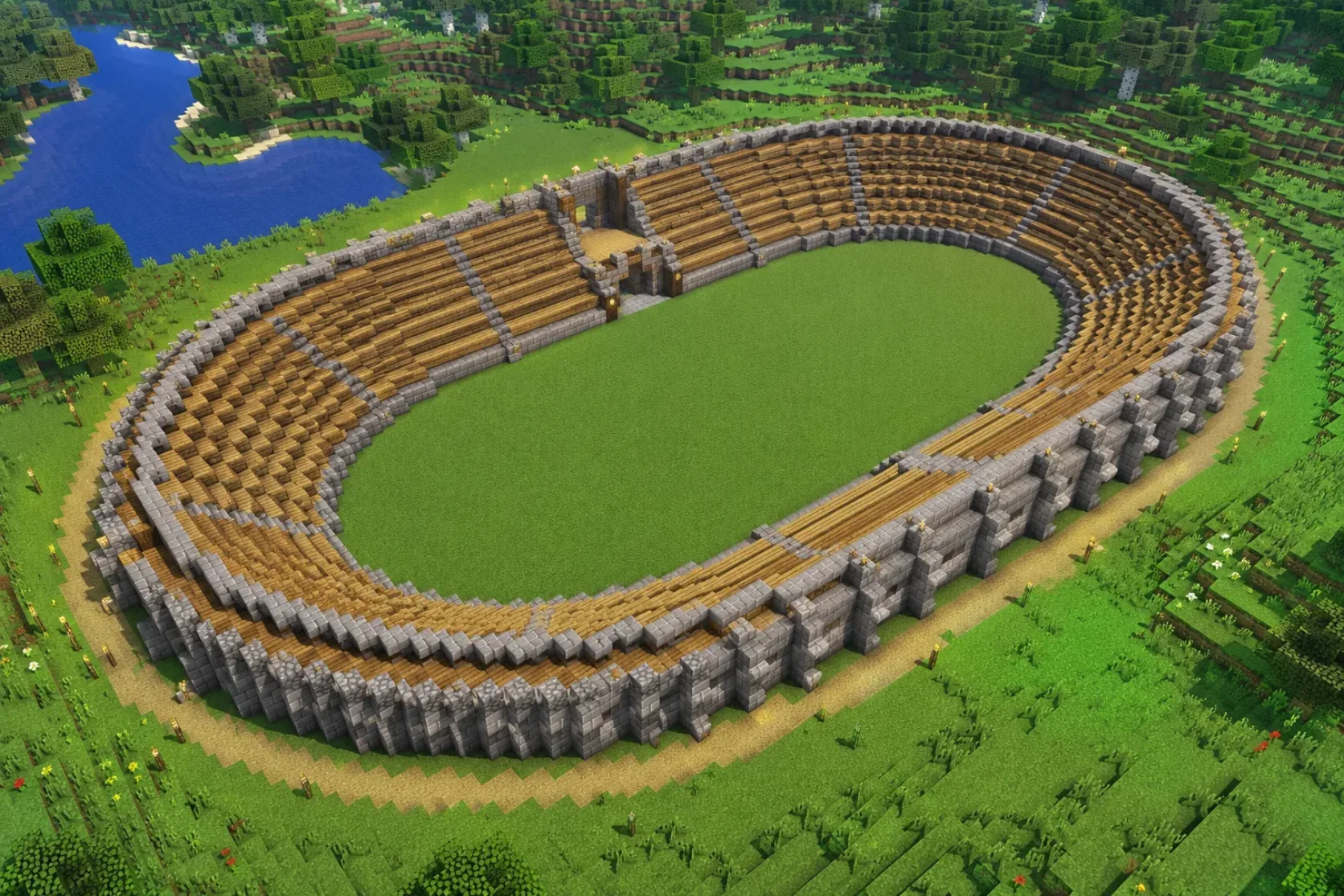 Guide
Guide Stretch the circle into stadiums, moats and racetracks.
Read guide →Did the blueprint work? Stuck? Tell us what you're building