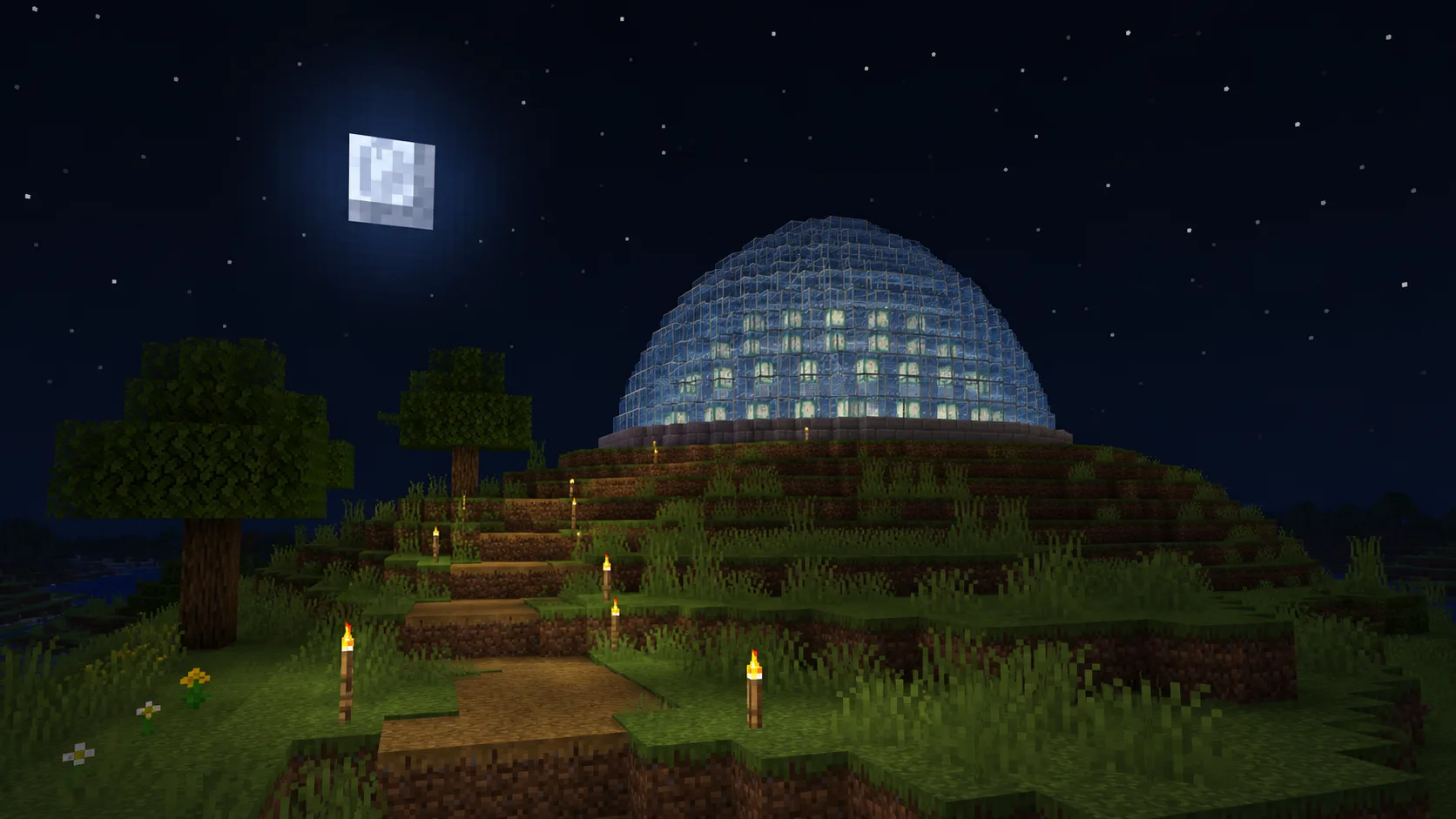
Dome
15 wide · 8 layers · 321 blocks (5 × 64 + 1)
Layers shrink toward the cap, so the base block covers the most ground and the top block the least.
This Minecraft gradient generator fades a dome, tower or wall from one block to another. Pick the two blocks, and get the blocks in between, matched from the 308 building blocks of Java Edition 26.2, plus a layer-by-layer list to build it.
Red Concrete → Yellow Concrete, 15-wide dome
Type a block name in each box, or click the square beside it to pick any colour. No idea yet? Start from a preset.
Anything from 3 to 16 blocks. More steps give a smoother fade and mean gathering more kinds of block.
A dome 5 to 64 wide, a round tower up to 64 across, or a wall up to 128 long, both up to 64 high. The preview redraws every layer.
Copy build list gives one line per layer with its block and count, base first. Place layer 1, then work up.
Try the fade in your world before a big build: daylight, torchlight and the height of each band all change how smooth it reads, and a busy texture next to flat concrete can look like a jump even when the colours are close.
All three shapes run the gradient from the base up; what changes is how many blocks each layer takes. The layer counts come from the same code as the dome generator and the circle generator, so a dome 15 wide here takes 321 blocks there too.
15 wide · 8 layers · 321 blocks (5 × 64 + 1)
Layers shrink toward the cap, so the base block covers the most ground and the top block the least.
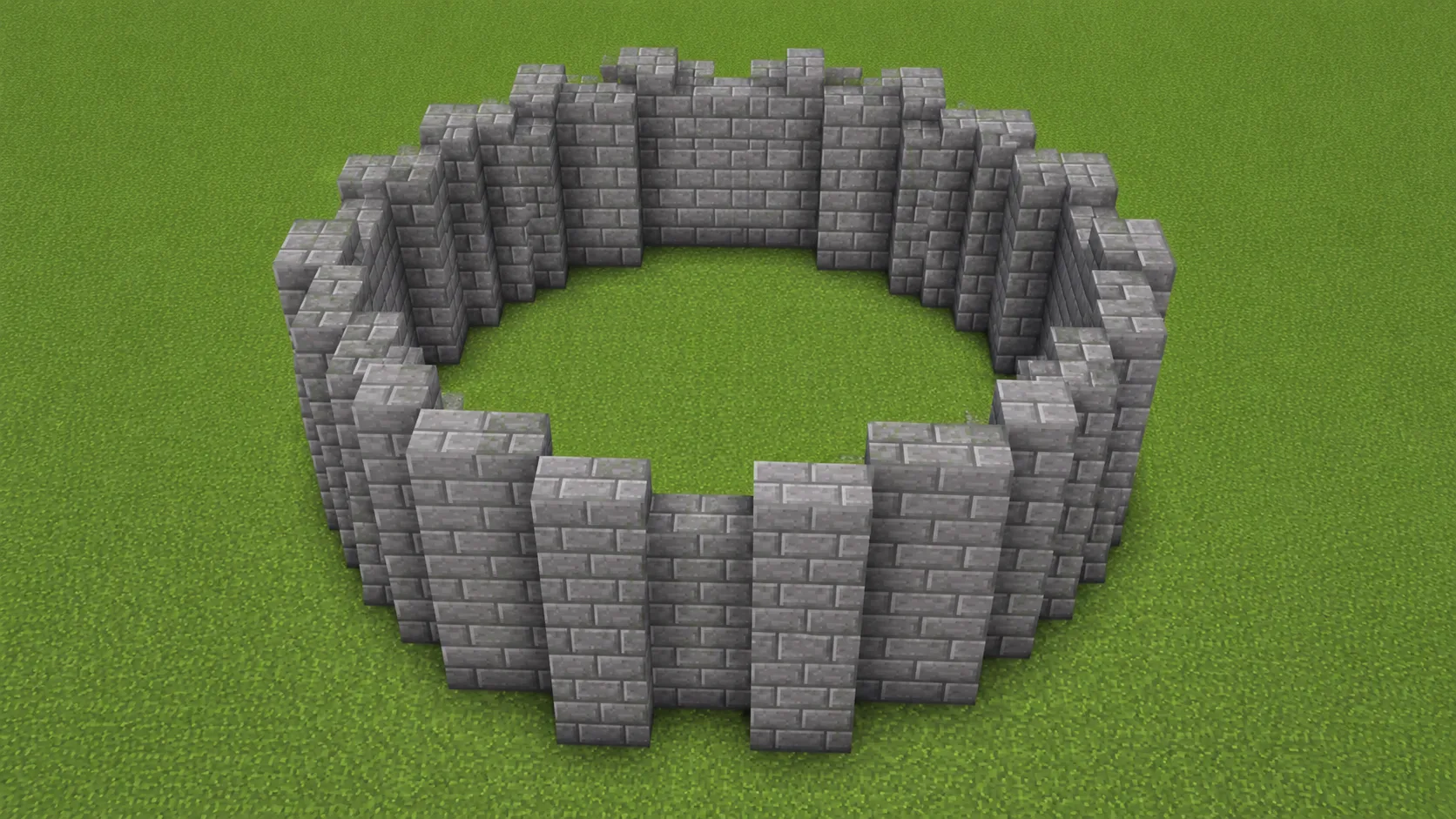
9 × 12 · 12 layers · 384 blocks (6 × 64)
Every layer is the same ring, so each block in the fade gets an equal share of the height.
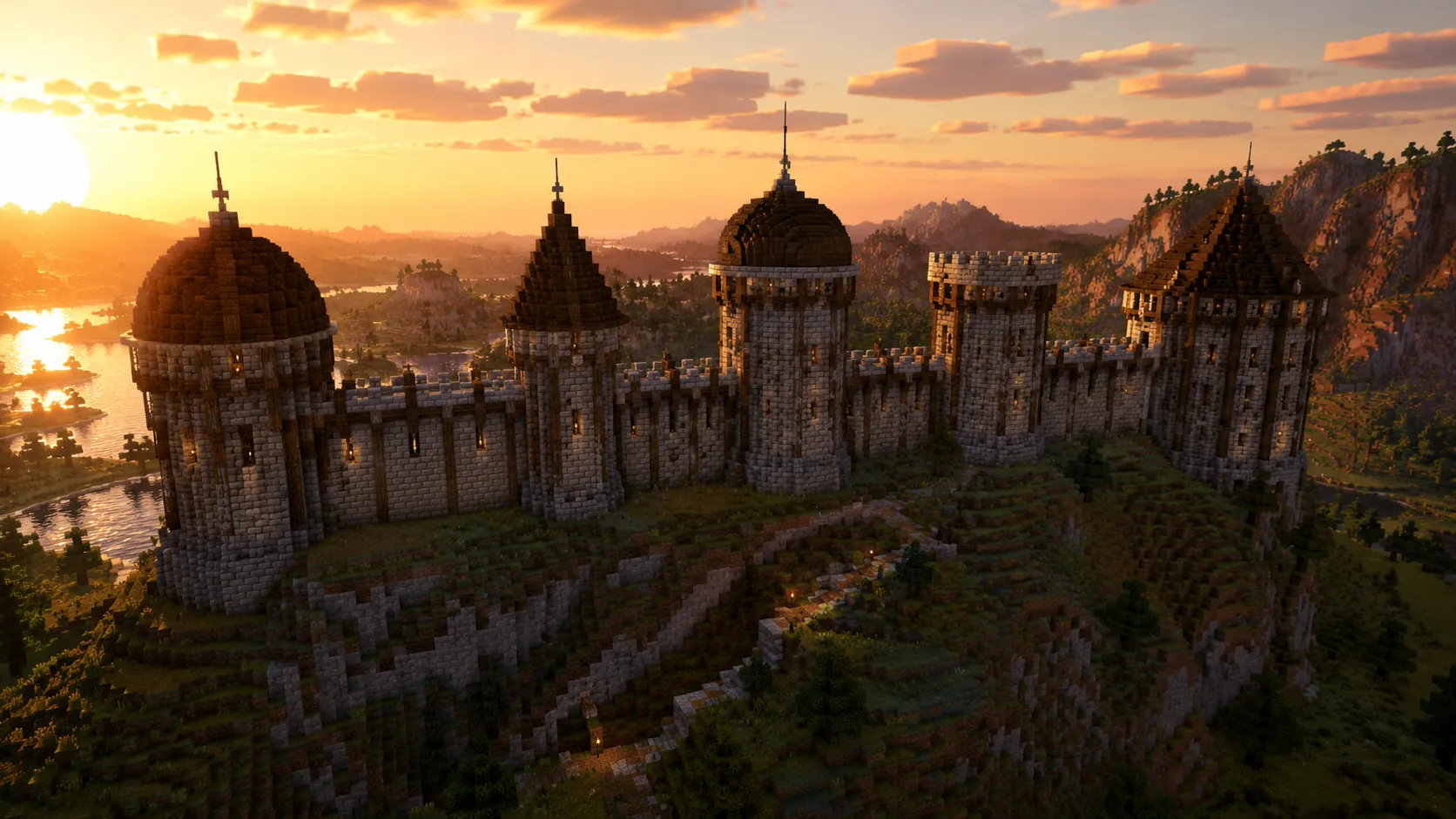
16 × 8 · 8 layers · 128 blocks (2 × 64)
Each layer is one row as long as the wall, the quickest way to try a fade before a bigger build.
Each step gets the block whose average colour sits closest to the ideal one. The generator draws a straight line between your two colours in OkLab, a colour space built so equal steps look equally far apart, cuts it into even steps, and matches each step. A block you choose as an end stays that exact block.
OkLab matters most for brightness. Halfway from White Concrete to Black Concrete it lands on #62666a, while plain RGB lands on the lighter #6c7073, so an RGB fade bunches its dark steps at the end.
The colours are averaged from each block's texture for Java Edition 26.2 by the open-source Nucleation project by Schem-at (MIT licence); only the colour values and names are used, no game textures. Slabs, stairs, glass, creative-only blocks and look-alikes are left out: 308 building blocks are used, plus 18 ores and 37 functional blocks you can switch on.
Six ready gradients, one per colour, each drawn on a 15-wide dome. Open one and the Minecraft gradient generator above loads the same blocks, ready to resize, reshape or swap an end.
The Sift, the first new dimension since the End, comes to Minecraft Java and Bedrock in 2027. Its blocks have not been named yet, so the Sift presets above start from colours sampled from the vanilla Sift shown at Minecraft LIVE, 26 September 2026: coral ground and grass, a teal sky, grey rock, and the new blub. These are the building blocks closest to each one today.
| Part of the Sift | Colour | Closest blocks |
|---|---|---|
| Sky | #64d3c6 | Block of Diamond, Sea Lantern |
| Coral ground | #f17885 | Pink Wool, Stripped Cherry Log |
| Grass, light | #eb818e | Pink Wool, Stripped Cherry Log |
| Grass, deep | #ea6d78 | Pink Concrete, Stripped Cherry Log |
| Rock, lit face | #85bbb9 | Light Gray Glazed Terracotta, Sea Lantern |
| Rock, shadow | #464e53 | Cobbled Deepslate, Gray Concrete Powder |
| Blub (new mob) | #5181ac | Light Blue Concrete, Cyan Wool |
Did the blueprint work? Stuck? Tell us what you're building